
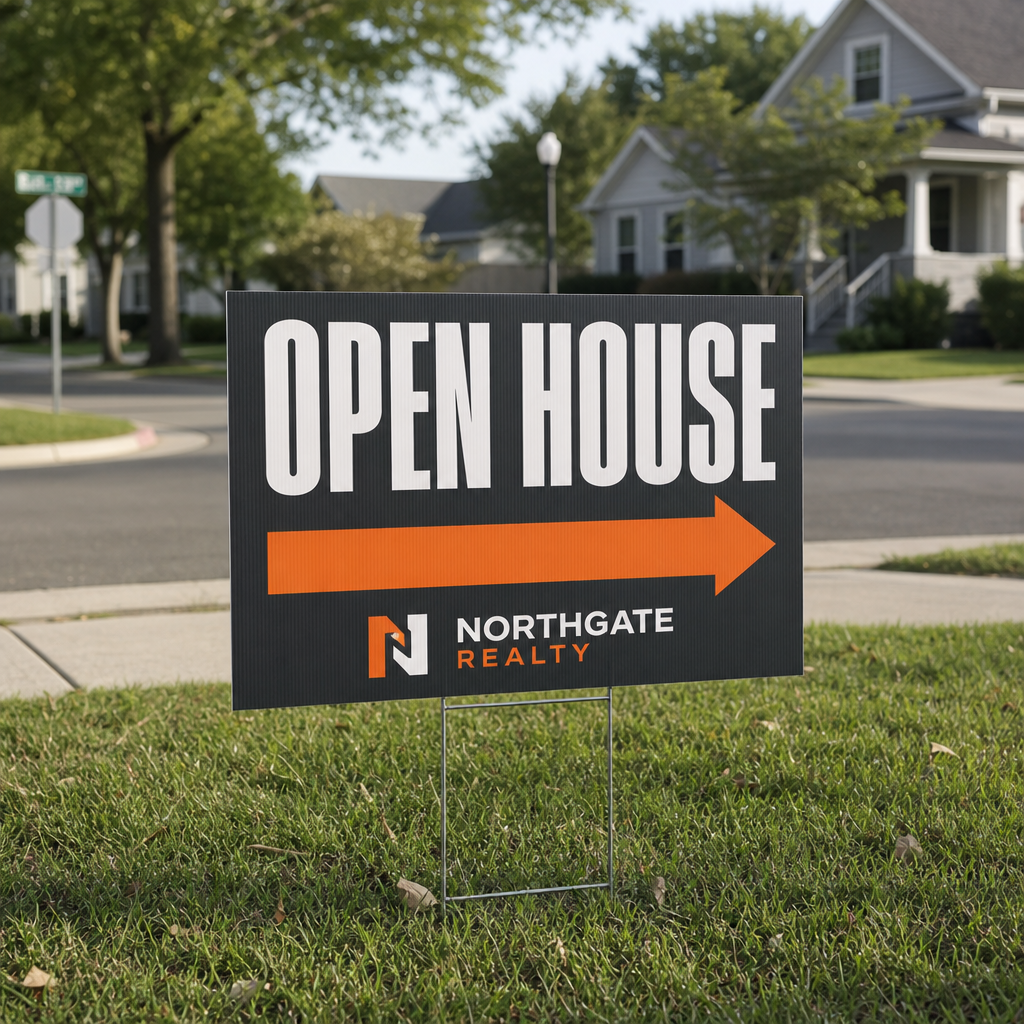
Found from the main road.
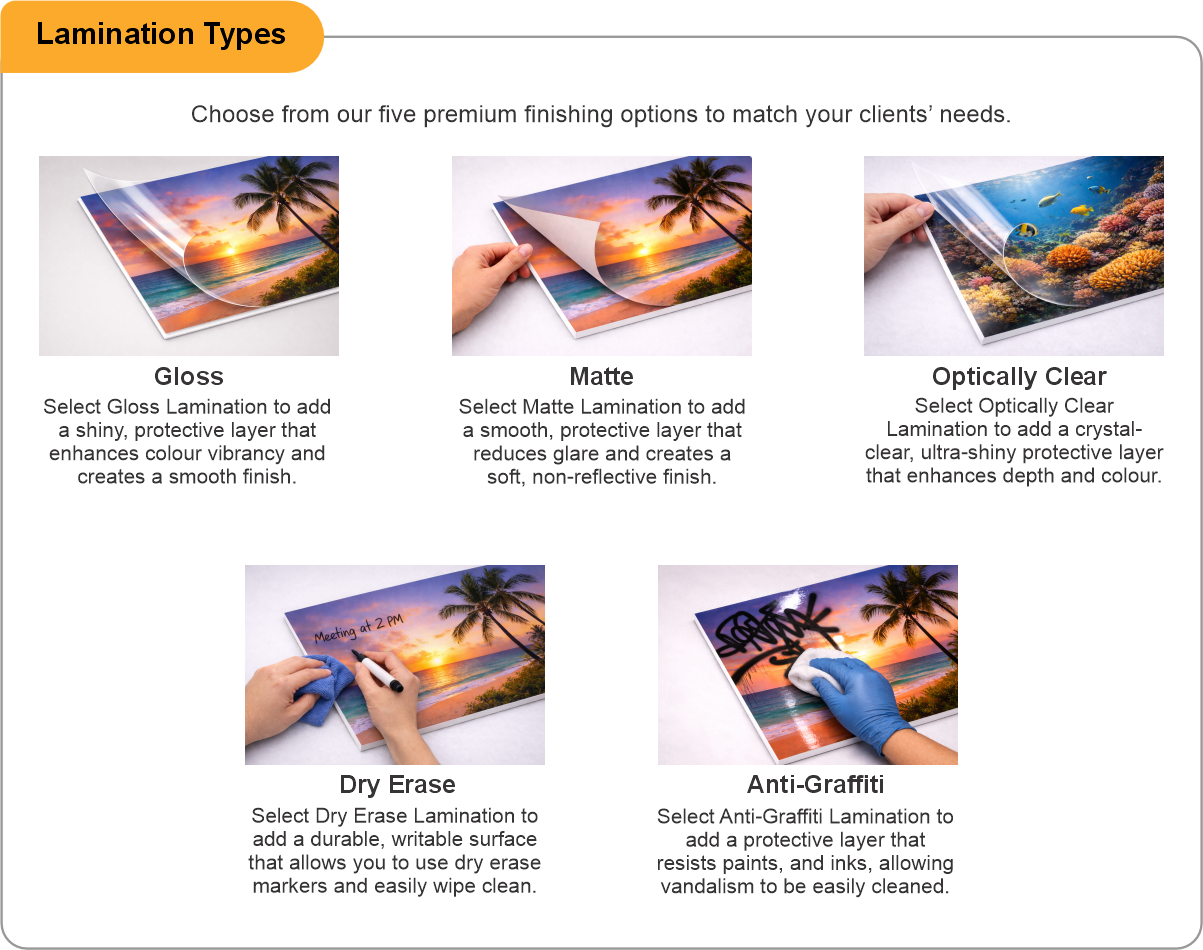
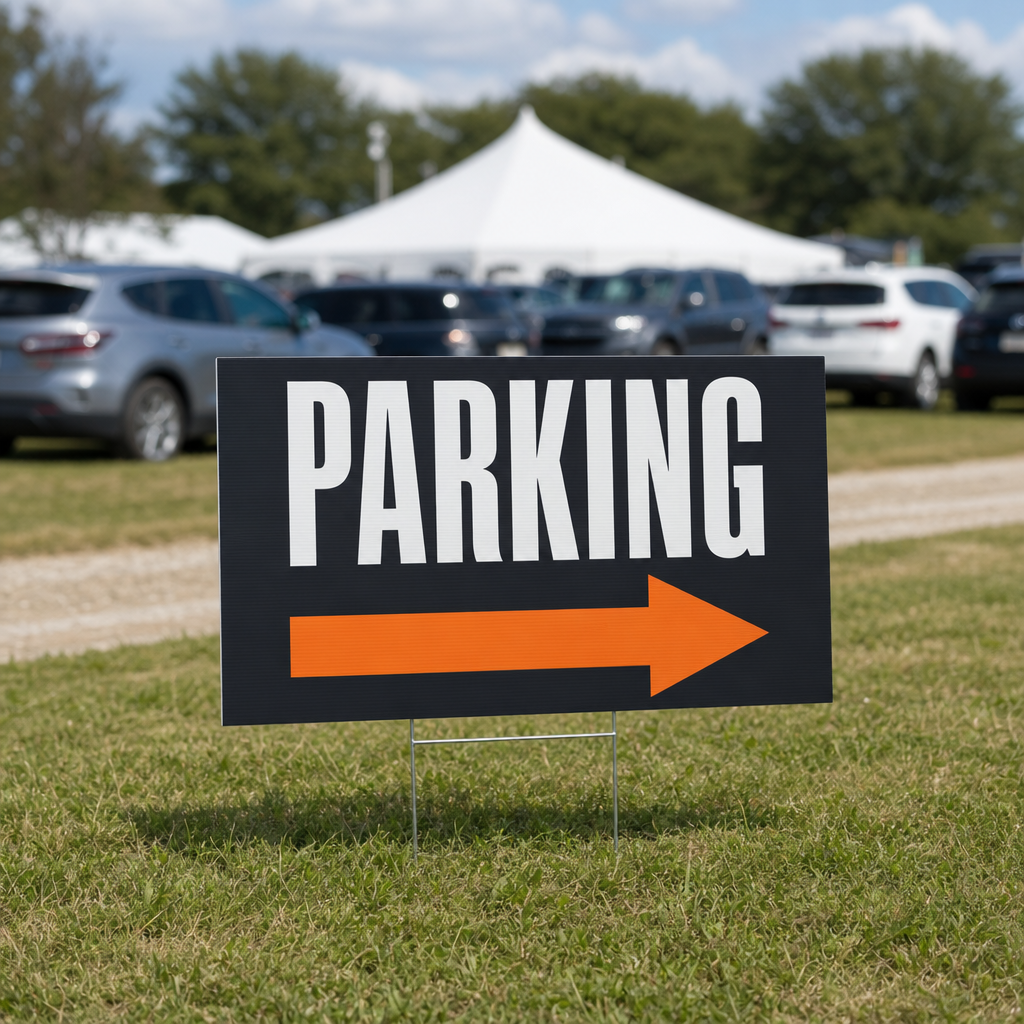
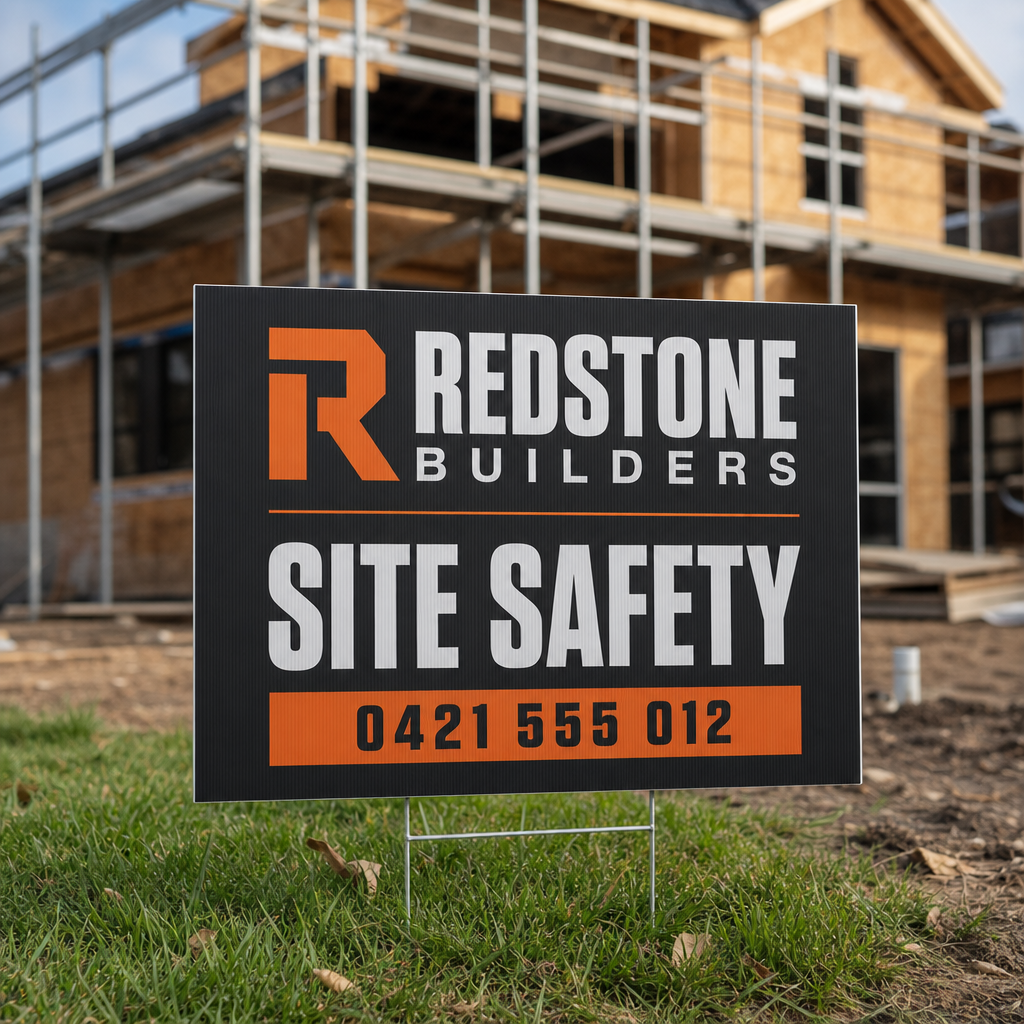
Corrugated plastic on a wire H-stake, printed one side or both, sized to read from a moving car rather than up close. Double siding means one sign works on both approaches to a corner, and a matte laminate stops afternoon sun bouncing off the face. They stake in and pull out in seconds, so a Saturday route can be set and collected by one agent. Order a run carrying your branding and keep the arrows generic to reuse them listing after listing. Made for open houses, for sale and for lease directionals, auction days and new development launches.
Open house signs printed in Cambridge, Ontario
We print open house and real estate directional signs in-house at our Cambridge shop. Order a run online, or send us your branding and quantity for a quote.
Common questions
Single or double sided? Double sided lets one sign work on both approaches to a corner.
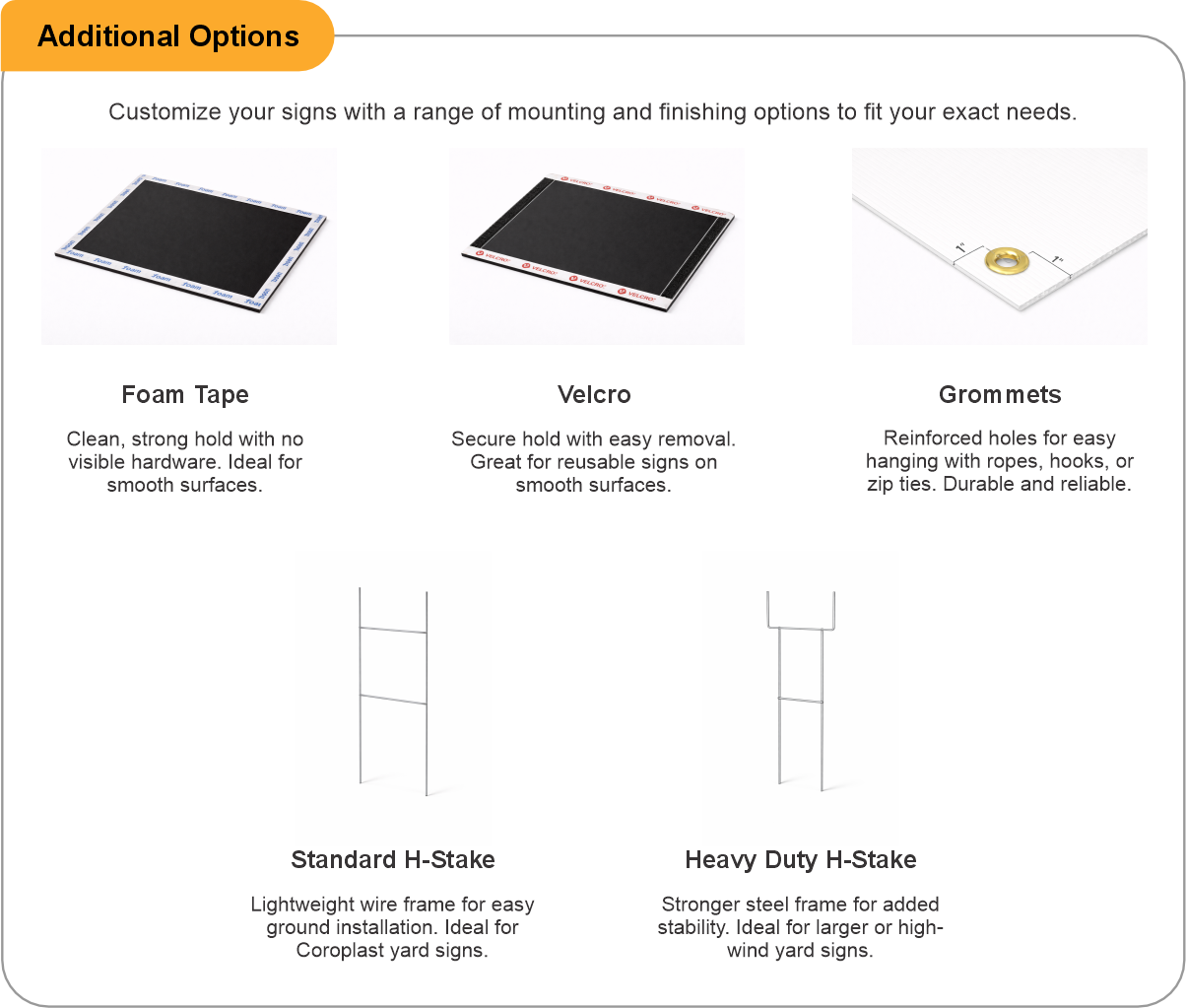
How do they go in the ground? Each sign mounts on a wire H-stake that pushes into the lawn and pulls out in seconds.
Can I reuse the signs? Keep the arrows generic and your branding on the face, and the same signs work listing after listing.

- Use the product template or file setup guide when one is provided.
- Remove all hidden layers, guides, dielines or artwork that is not intended to print.
- Submit each project as a single, print-ready PDF. For multi-page files, all pages should be the same size and placed in the correct order.
- Make sure the file dimensions and orientation match the product being ordered.
- Avoid placing borders too close to the finished edge, as minor movement during trimming may make them appear uneven.
- For bleed, follow the margins provided in the product template. Keep important text, logos and design elements safely inside the trim line.
- Artwork should be high resolution, set to CMYK and supplied at 300 DPI whenever possible.
- Use C0, M0, Y0, K100 for small black text. For larger areas of deep black, use C30, M20, Y20, K100.
- Convert all fonts to outlines or ensure they are properly embedded in the PDF.
- Review your artwork carefully before uploading. Files are printed using the information provided, and colour may appear differently on screen than it does in print.
To start, select the product size, preview the design guidelines, download the guidelines for reference, and proceed with the customization options.
Open House Signs (Lawn & Yard)
Customize & Estimate
Explore Complements
Related products
Enhance your experience with perfectly paired, high-quality related products.


 Issue?