
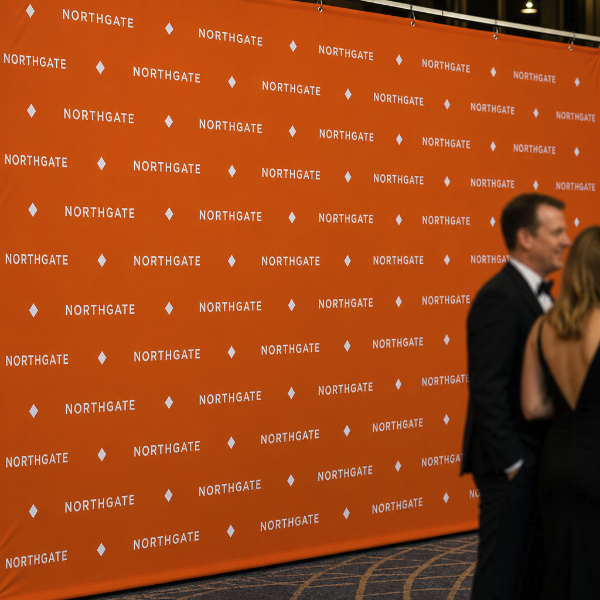
A step and repeat is the backdrop you stand people in front of — a tiled pattern of logos photographed over and over through an evening. Red carpets and premieres, conference and awards photo walls, sponsor backdrops, product launches, wedding and party photo booths.
Printed on 13oz layflat vinyl, which matters more here than on any other banner. Layflat has no memory of the roll, so it hangs genuinely flat instead of holding a curl — and a curl across a backdrop catches light and shows up in every single photograph. Standard 13oz will do it; layflat will not.
The finish is matte for the same reason. A gloss backdrop throws camera flash straight back at the lens and blows out the logos nearest the middle. Matte scatters it, so the pattern reads evenly from edge to edge and your sponsors actually get what they paid for.
On artwork: size the logo tile so a person standing in front never fully covers one, and keep the repeat running off all four edges rather than stopping neatly inside them — a partial logo at the edge reads as a pattern continuing, a complete one floating in a margin reads as a mistake. Avoid placing anything critical in the bottom 24 inches, where people and furniture sit.
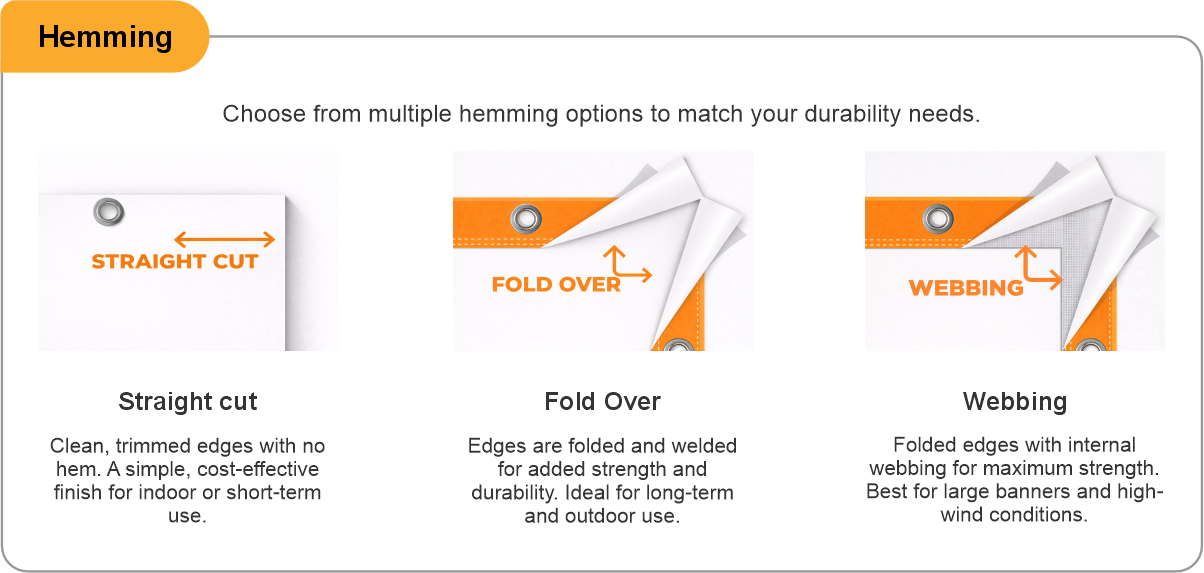
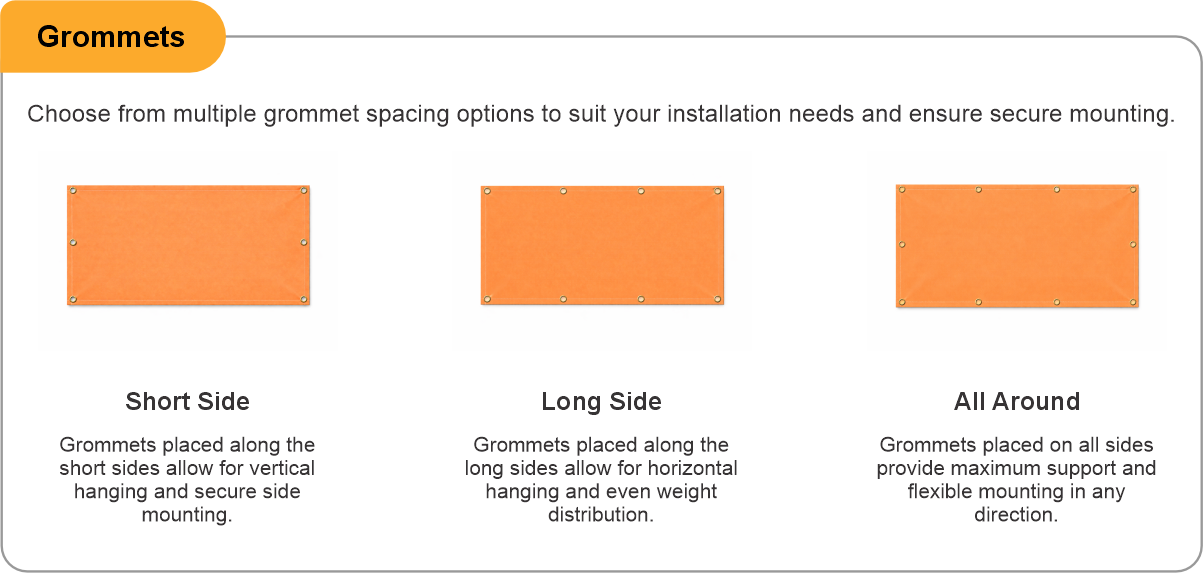
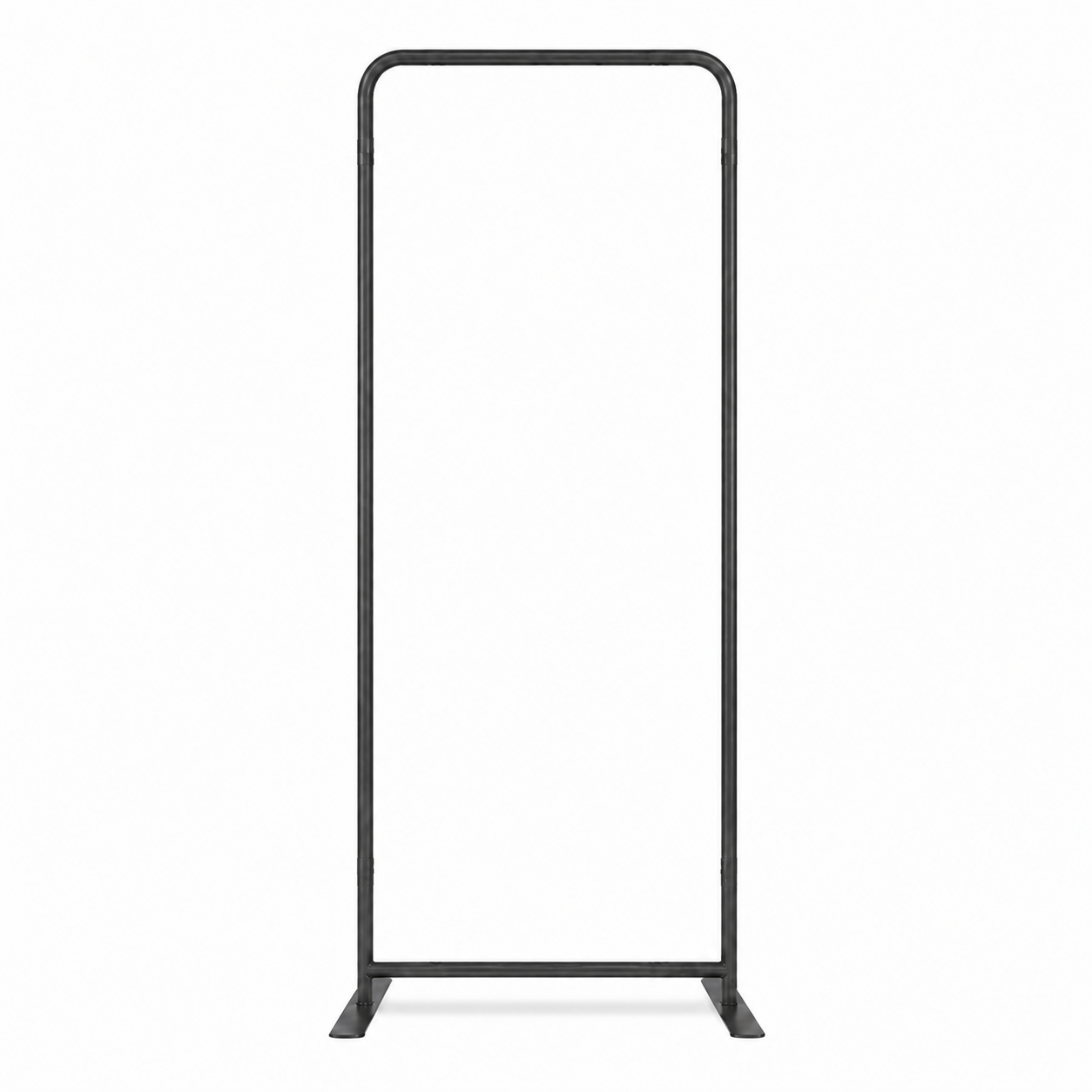
Hem all four sides so the backdrop keeps its shape on a frame, and add grommets to suit your hardware — every 2 feet if you are tying it to an adjustable stand. If your stand carries a top and bottom crossbar rather than ties, choose pole pockets on the top and bottom edges instead — the long sides on the wide formats — and slide it straight on. Supply artwork at full size where you can, or to scale at 100 dpi or better, keeping important elements at least 2 inches inside the trim.
- Use the product template or file setup guide when one is provided.
- Remove all hidden layers, guides, dielines or artwork that is not intended to print.
- Submit each project as a single, print-ready PDF. For multi-page files, all pages should be the same size and placed in the correct order.
- Make sure the file dimensions and orientation match the product being ordered.
- Avoid placing borders too close to the finished edge, as minor movement during trimming may make them appear uneven.
- For bleed, follow the margins provided in the product template. Keep important text, logos and design elements safely inside the trim line.
- Artwork should be high resolution, set to CMYK and supplied at 300 DPI whenever possible.
- Use C0, M0, Y0, K100 for small black text. For larger areas of deep black, use C30, M20, Y20, K100.
- Convert all fonts to outlines or ensure they are properly embedded in the PDF.
- Review your artwork carefully before uploading. Files are printed using the information provided, and colour may appear differently on screen than it does in print.
To start, select the product size, preview the design guidelines, download the guidelines for reference, and proceed with the customization options.
Step & Repeat / Media Wall Banners (Indoor)
Customize & Estimate
Explore Complements
Related products
Enhance your experience with perfectly paired, high-quality related products.

 Issue?