
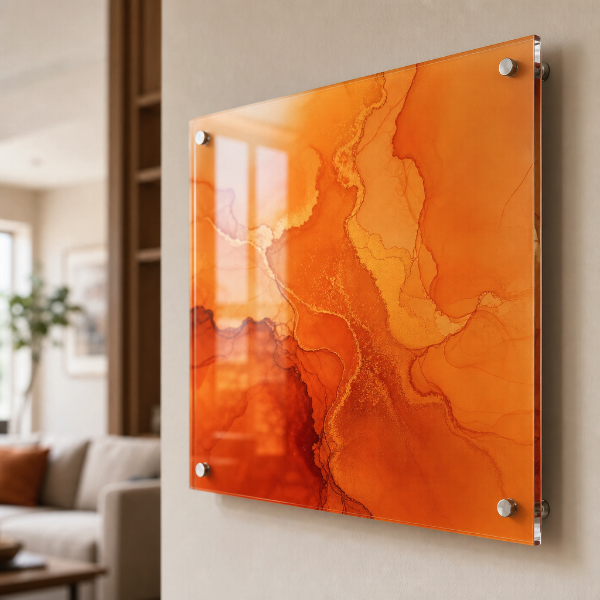
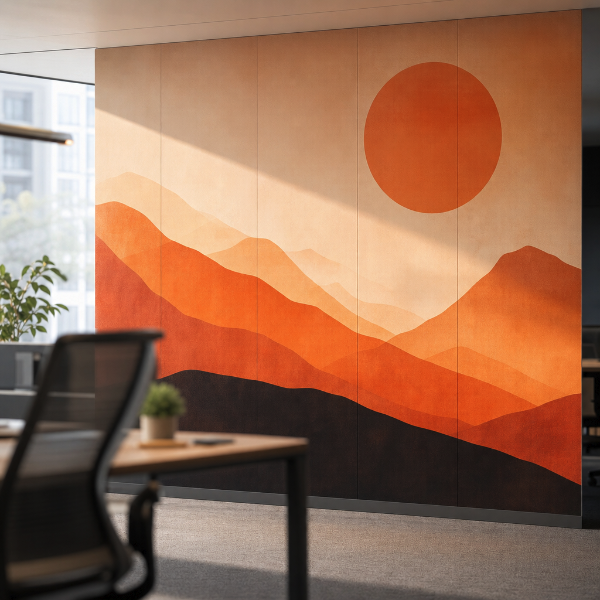
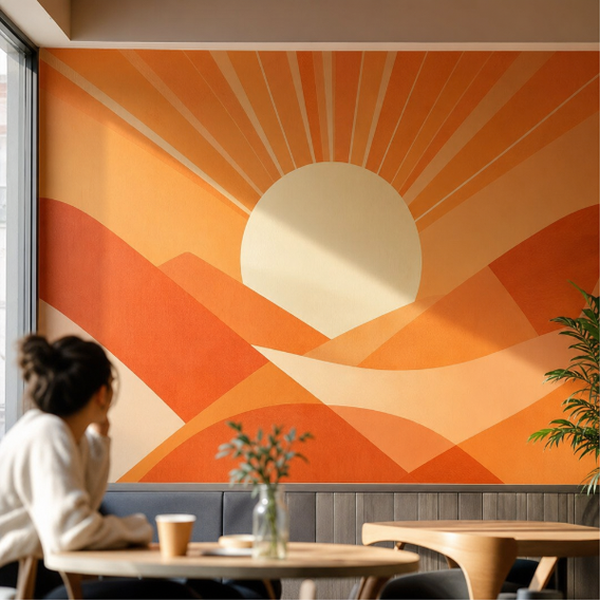
Photographs, artwork and graphic panels printed on solid acrylic, made for walls that are looked at rather than walked past — a living room, a hotel corridor, a clinic waiting area, an office feature wall. Light travels into the sheet before it reaches the ink, which is what gives an acrylic print its depth and its clean, glass-like edge.
Ordered at any width and height you need, in 3 mm, 4.5 mm or 6 mm acrylic, and in clear, white or black. On clear acrylic you also choose which face carries the ink: second surface prints on the back so the image is viewed through the sheet — the deep gallery look, with the ink sealed behind the panel where nothing can scuff it — while first surface prints on the front for a flatter, more direct read. White and black acrylic are printed on the face, so that choice does not arise on them.
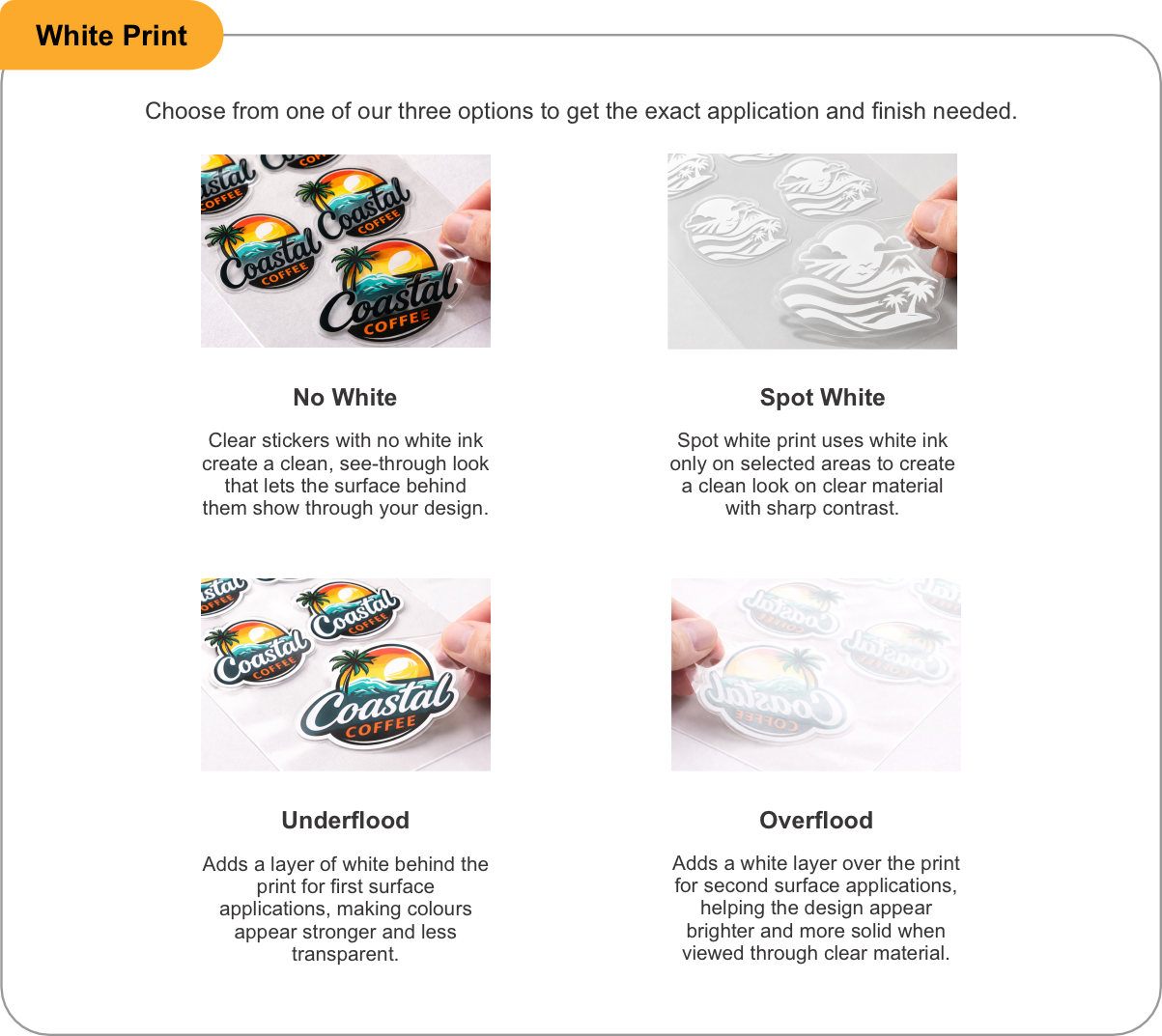
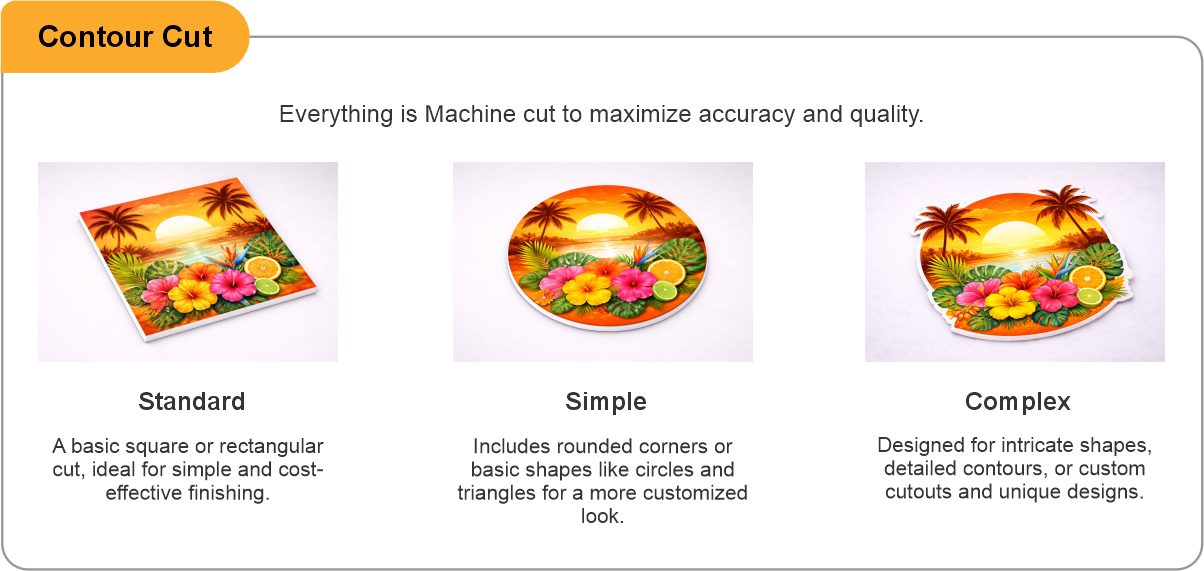
White ink is what makes an image hold up on clear acrylic: choose Spot White behind selected areas, Underflood for a solid white layer behind a first-surface print, Overflood over the back of a second-surface print, or No White for a deliberately translucent piece that lets the wall colour show through. On white and black acrylic the sheet itself is the backing, so the choice narrows to No White or Spot White. Cut Contour takes the panel to a shape rather than a rectangle. Standoffs are the mounting hardware — pick the barrel depth (1/2", 3/4" or 1") and whether they sit at the four corners, on the long sides, or on all four sides, or choose No and the panel arrives plain for your own fixing.
- Use the product template or file setup guide when one is provided.
- Remove all hidden layers, guides, dielines or artwork that is not intended to print.
- Submit each project as a single, print-ready PDF. For multi-page files, all pages should be the same size and placed in the correct order.
- Make sure the file dimensions and orientation match the product being ordered.
- Avoid placing borders too close to the finished edge, as minor movement during trimming may make them appear uneven.
- For bleed, follow the margins provided in the product template. Keep important text, logos and design elements safely inside the trim line.
- Artwork should be high resolution, set to CMYK and supplied at 300 DPI whenever possible.
- Use C0, M0, Y0, K100 for small black text. For larger areas of deep black, use C30, M20, Y20, K100.
- Convert all fonts to outlines or ensure they are properly embedded in the PDF.
- Review your artwork carefully before uploading. Files are printed using the information provided, and colour may appear differently on screen than it does in print.
To start, select the product size, preview the design guidelines, download the guidelines for reference, and proceed with the customization options.
Acrylic Wall Prints (Wall Art)
Customize & Estimate
Explore Complements
Related products
Enhance your experience with perfectly paired, high-quality related products.



 Issue?