
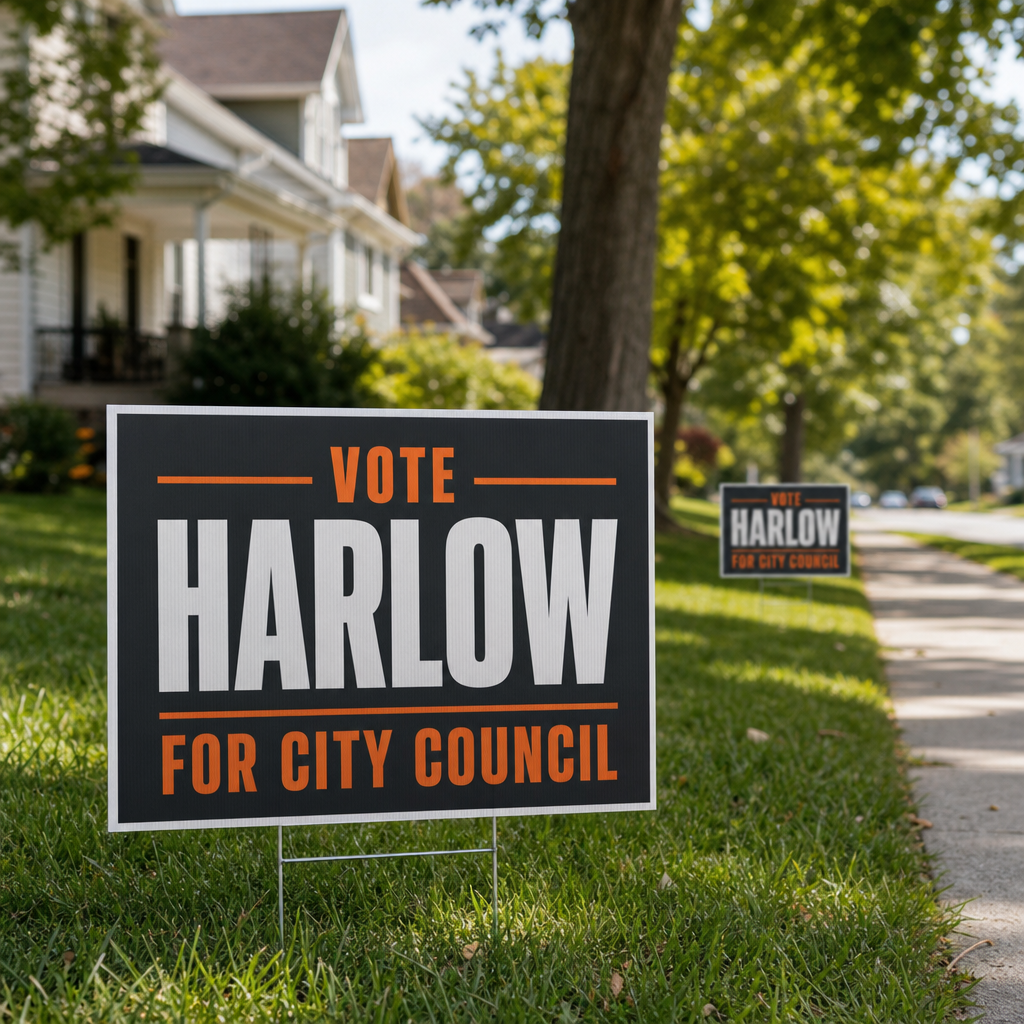
Name recognition, by the hundred.
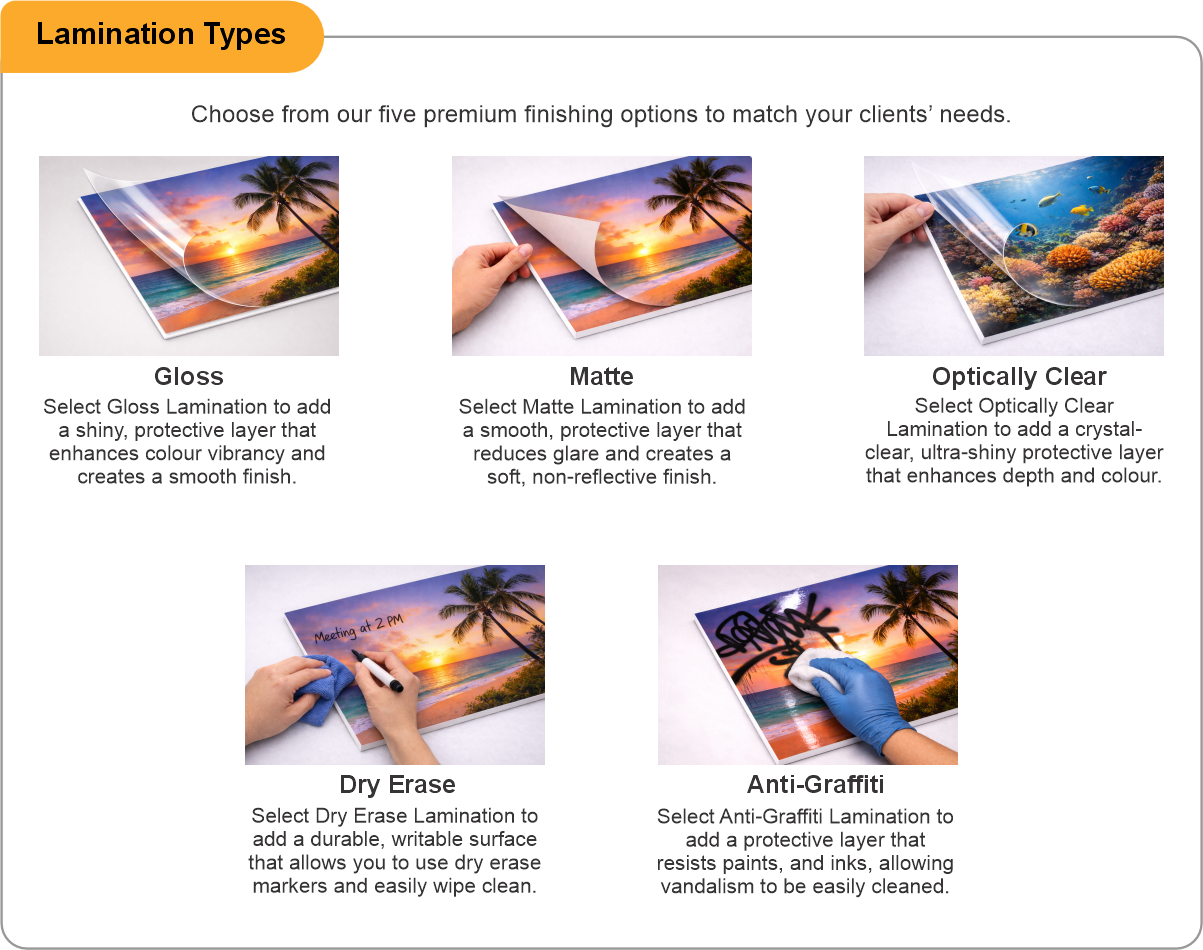
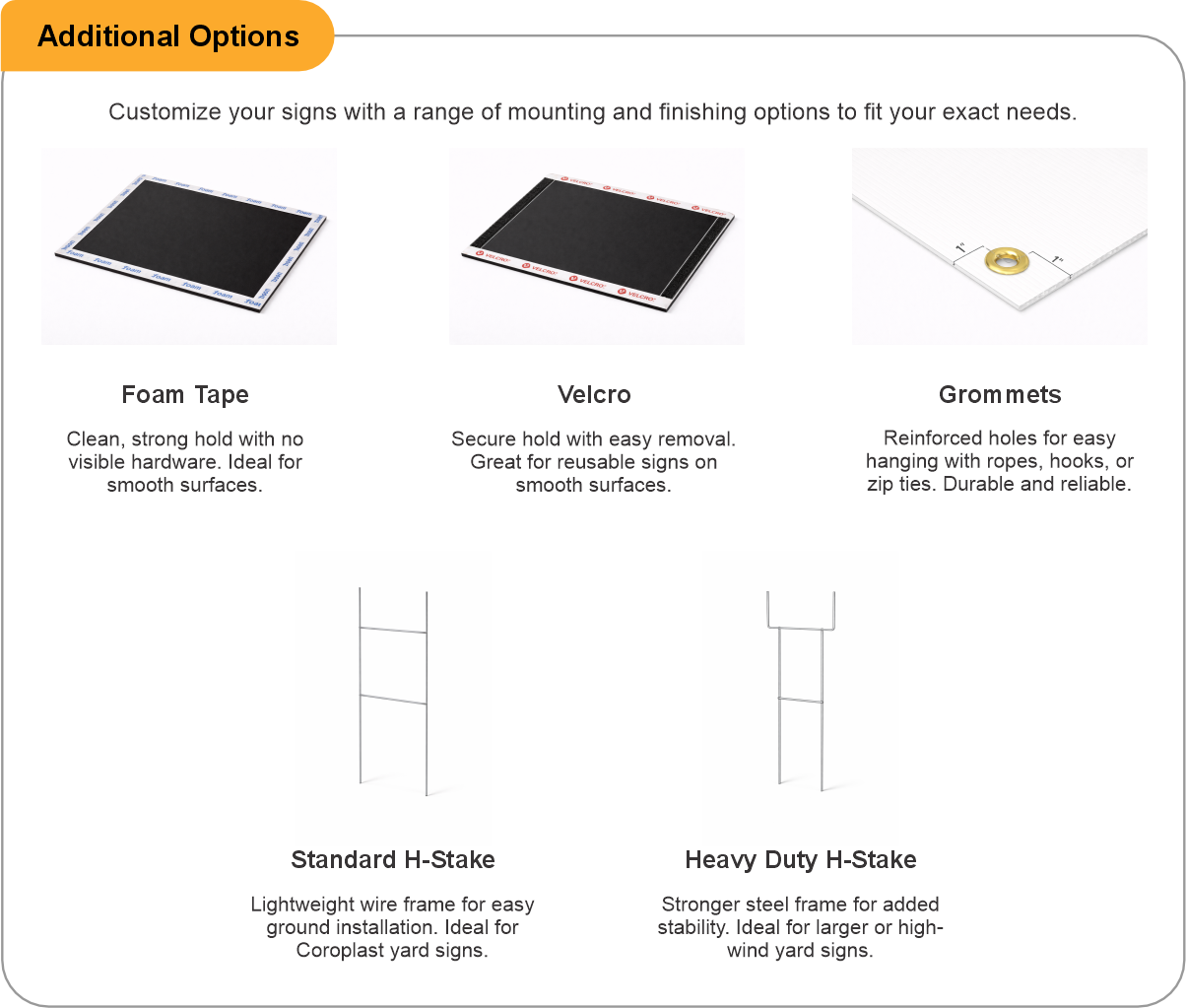
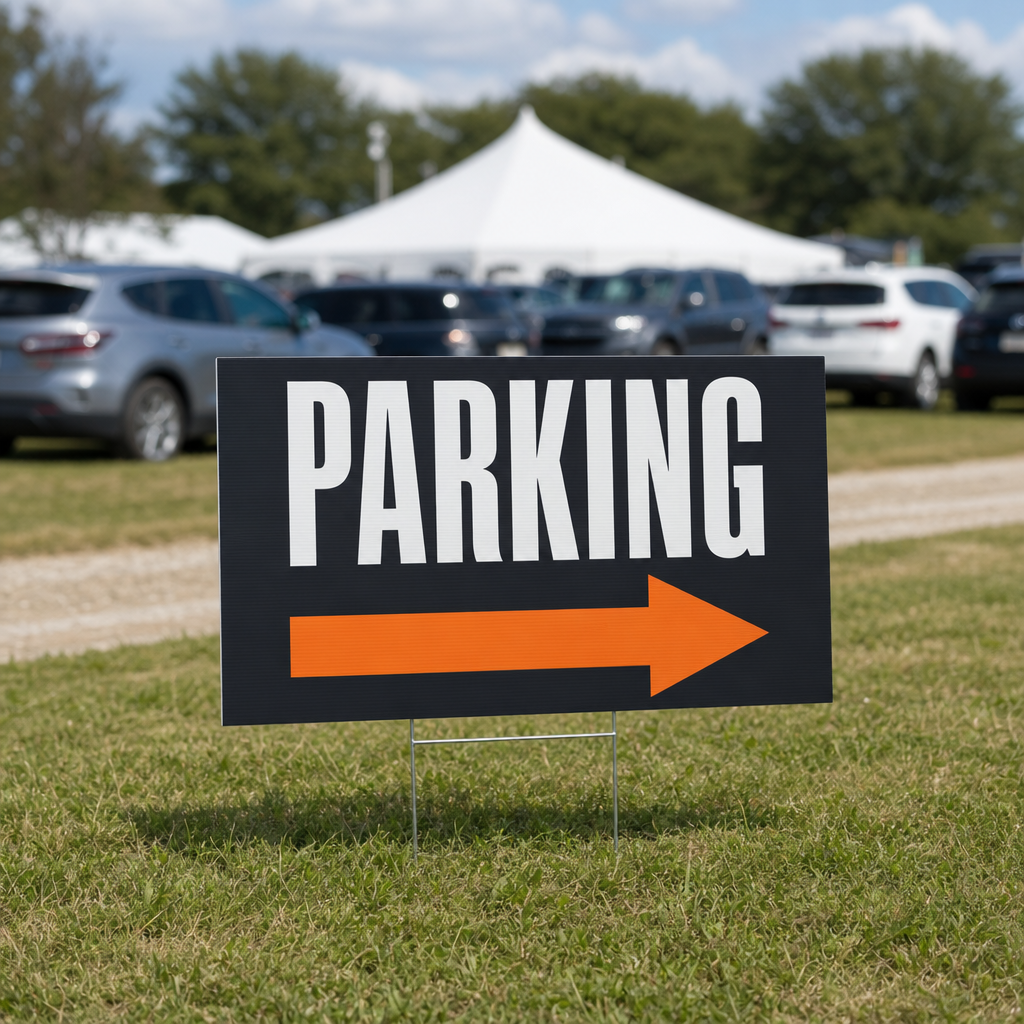
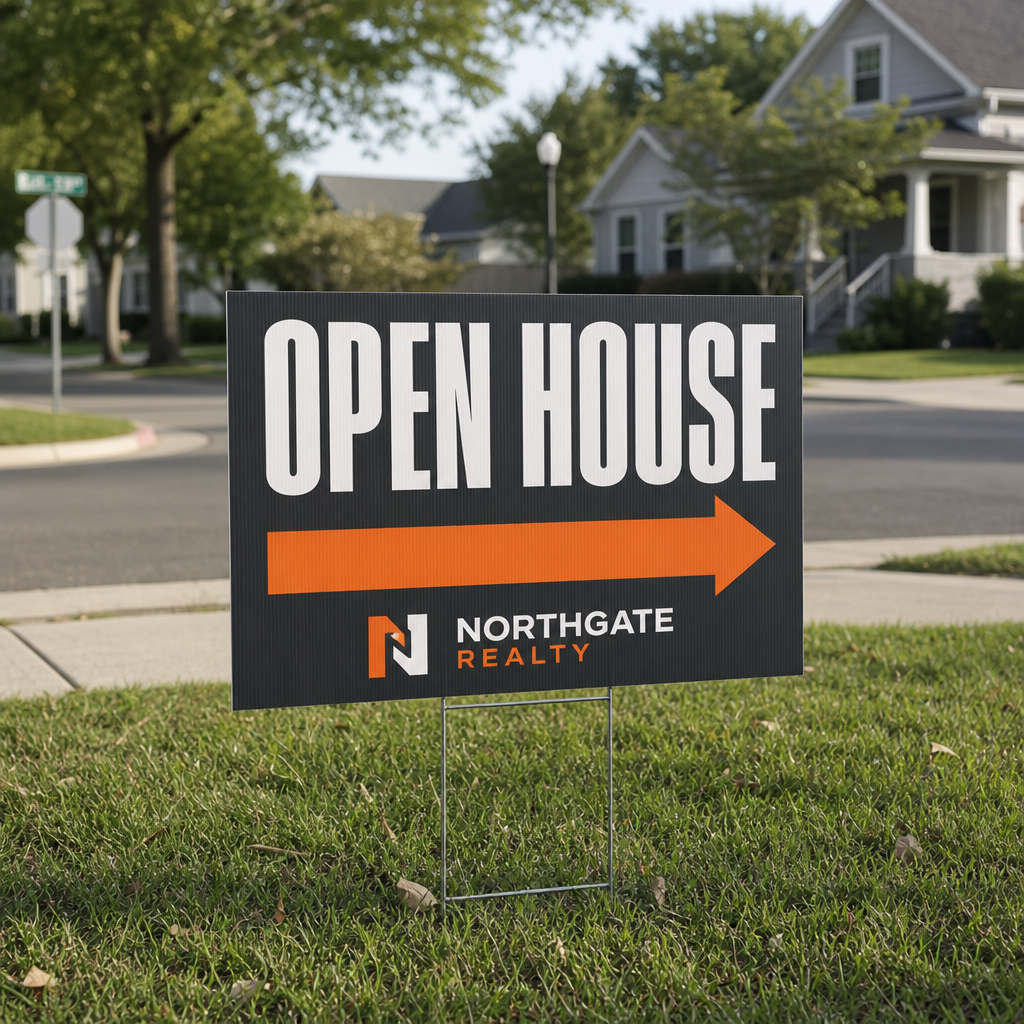
Corrugated plastic, printed single or double sided and pushed into a verge on a wire H-stake. Double siding earns its keep on a corner where traffic passes both ways. The flutes run vertically so the panel sheds rain and holds its shape through a full campaign, and a matte laminate cuts glare for anyone reading at speed. Light enough to install a whole ward in a morning and priced to go out in volume. Made for municipal and federal campaigns, candidate lawn placements, polling day directional runs and referendum drives.

How to Set Up Your Files
Prepare your artwork correctly to help avoid delays and ensure the best possible print quality.
General File Preparation Guidelines
- Use the product template or file setup guide when one is provided.
- Remove all hidden layers, guides, dielines or artwork that is not intended to print.
- Submit each project as a single, print-ready PDF. For multi-page files, all pages should be the same size and placed in the correct order.
- Make sure the file dimensions and orientation match the product being ordered.
- Avoid placing borders too close to the finished edge, as minor movement during trimming may make them appear uneven.
- For bleed, follow the margins provided in the product template. Keep important text, logos and design elements safely inside the trim line.
- Artwork should be high resolution, set to CMYK and supplied at 300 DPI whenever possible.
- Use C0, M0, Y0, K100 for small black text. For larger areas of deep black, use C30, M20, Y20, K100.
- Convert all fonts to outlines or ensure they are properly embedded in the PDF.
- Review your artwork carefully before uploading. Files are printed using the information provided, and colour may appear differently on screen than it does in print.
White Text on Black Backgrounds
Small or thin white text placed over a rich black background may fill in or become difficult to read during printing. For better results, use a minimum font size of 8 pt and avoid extremely thin lettering or lines.
File requirements may vary by product. If you are unsure whether your artwork is ready, please contact our team before placing your order. Additional artwork charges may apply if changes are required.
Ready to create your product design?
To start, select the product size, preview the design guidelines, download the guidelines for reference, and proceed with the customization options.
To start, select the product size, preview the design guidelines, download the guidelines for reference, and proceed with the customization options.
Bleed Line
Safe Line
Election Signs (Lawn & Yard)
Customize & Estimate
Customize & Estimate
Explore Complements
Related products
Enhance your experience with perfectly paired, high-quality related products.

 Issue?