
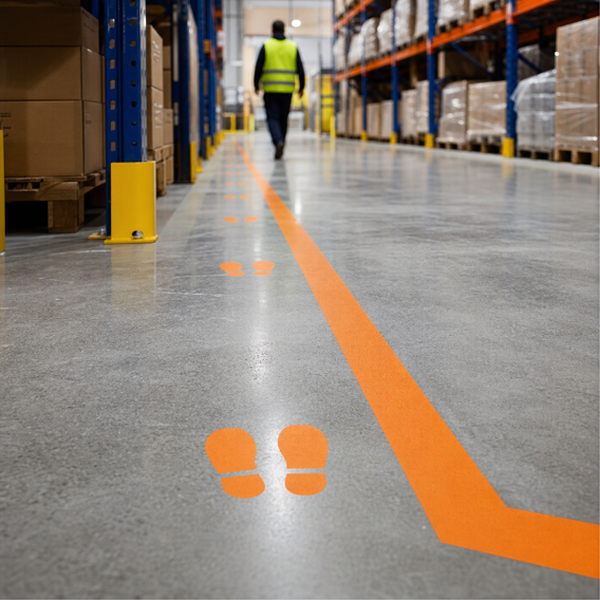
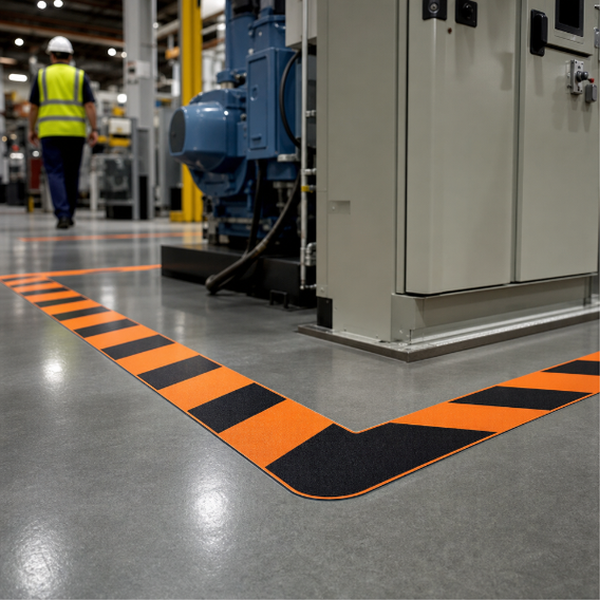
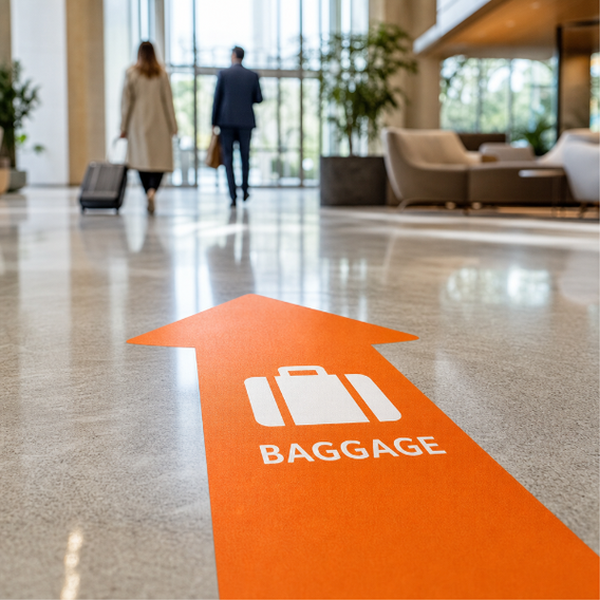
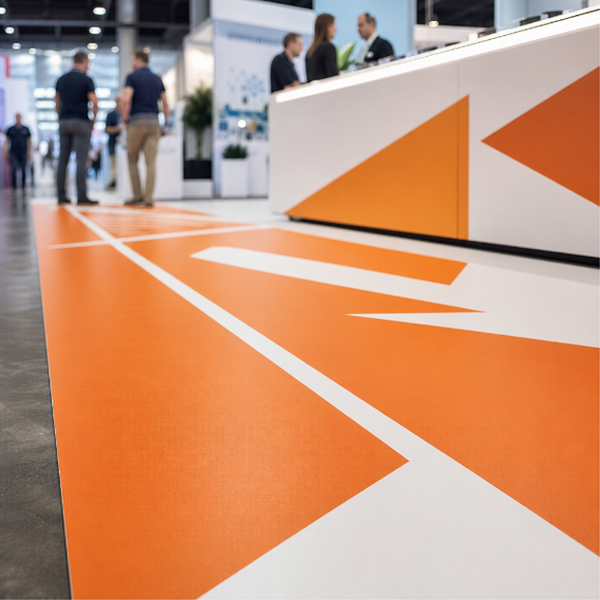
Printed lane lines, walkway edges and path markers for defining where people and equipment should travel. Use them to lay out a pedestrian walkway across a warehouse floor, split a queue into lanes, mark a keep-left corridor, or route visitors through an unfamiliar building. The advantage over painted lines or plain coloured tape is that these carry your artwork: colour, wording, arrows, icons and branding all print into the lane itself.
Supplied as full-colour printed self-adhesive vinyl, cut to the lengths and widths you give us, on either 3M-40C or 3M-IJ175. Both are opaque white print films made for smooth, hard surfaces. To be clear about what arrives: it is a printed adhesive decal, not a moulded or textured floor tape with a grip surface.
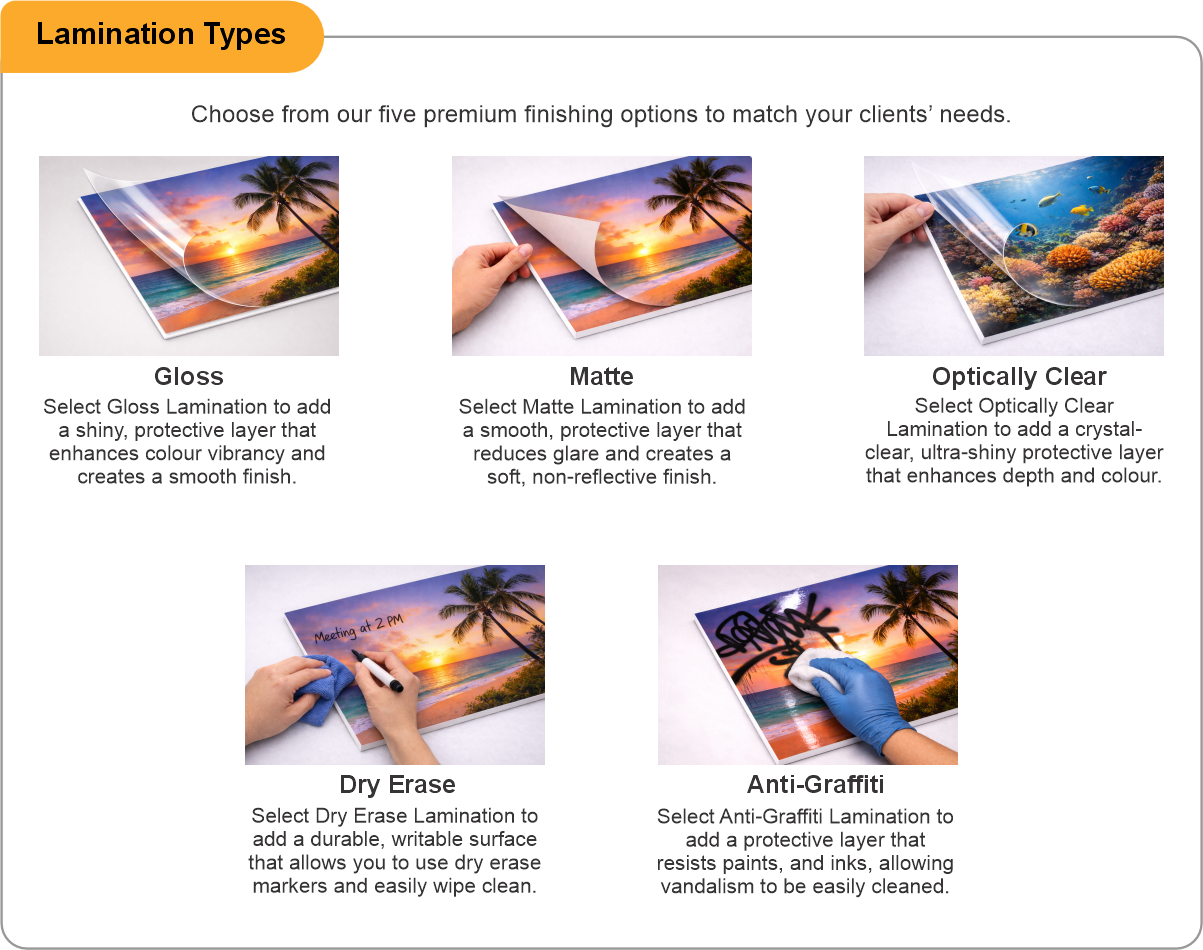
Long runs take the worst of the wear, so a laminate is worth adding. It puts a clear protective layer over the print that absorbs the scuffing from shoes and wheels instead of the ink taking it. Matte reduces reflection under strip lighting; anti-graffiti makes scuff marks easier to clean off. None of the laminate choices is a rated anti-slip surface, so do not specify these where a certified slip-resistance figure is required.
Best on smooth, sealed, dry indoor floors. Carpet is a non-starter. Rough concrete, asphalt and any dusty or recently sealed floor will cause edges to lift, and a lane marker is mostly edge, so it feels that sooner than a solid graphic does. Where a lane crosses a doorway or an expansion joint, expect that section to be the first to go.
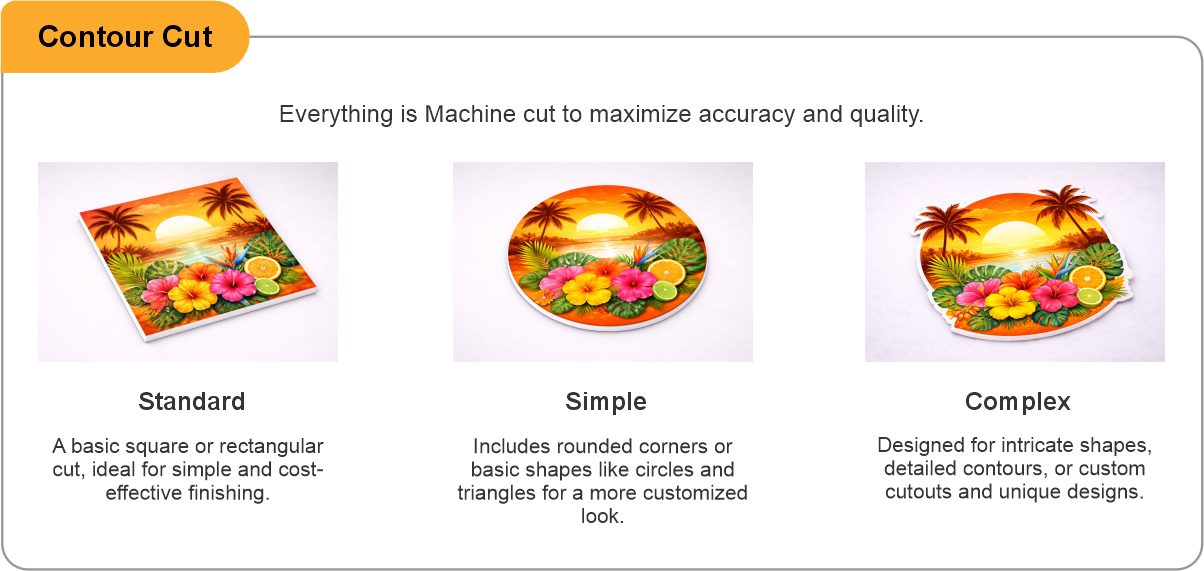
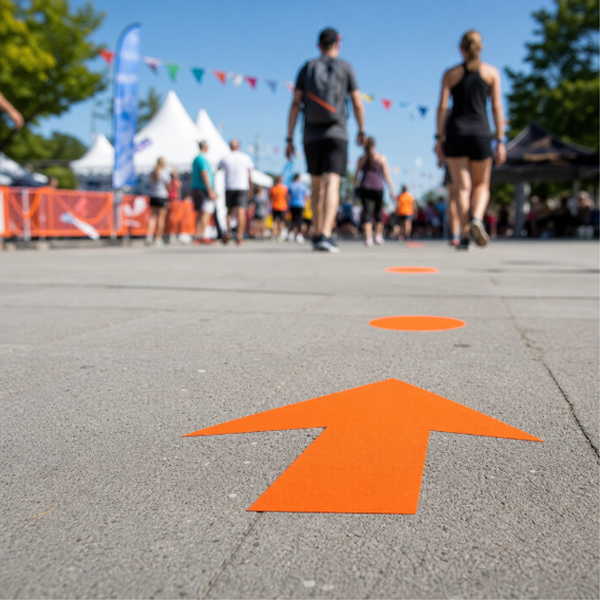
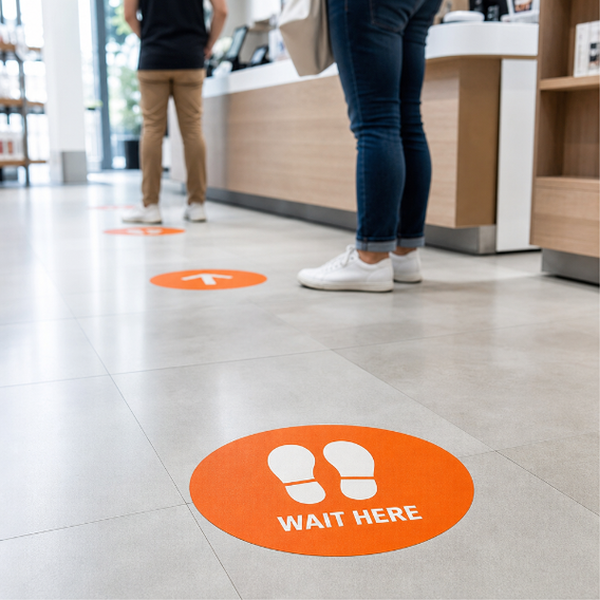
Contour cut is available for chevrons, footprints, dashes and other shaped markers rather than continuous rectangular strips.
- Use the product template or file setup guide when one is provided.
- Remove all hidden layers, guides, dielines or artwork that is not intended to print.
- Submit each project as a single, print-ready PDF. For multi-page files, all pages should be the same size and placed in the correct order.
- Make sure the file dimensions and orientation match the product being ordered.
- Avoid placing borders too close to the finished edge, as minor movement during trimming may make them appear uneven.
- For bleed, follow the margins provided in the product template. Keep important text, logos and design elements safely inside the trim line.
- Artwork should be high resolution, set to CMYK and supplied at 300 DPI whenever possible.
- Use C0, M0, Y0, K100 for small black text. For larger areas of deep black, use C30, M20, Y20, K100.
- Convert all fonts to outlines or ensure they are properly embedded in the PDF.
- Review your artwork carefully before uploading. Files are printed using the information provided, and colour may appear differently on screen than it does in print.
To start, select the product size, preview the design guidelines, download the guidelines for reference, and proceed with the customization options.
Lane & Path Markers (Wayfinding Graphics)
Customize & Estimate
Explore Complements
Related products
Enhance your experience with perfectly paired, high-quality related products.

 Issue?