

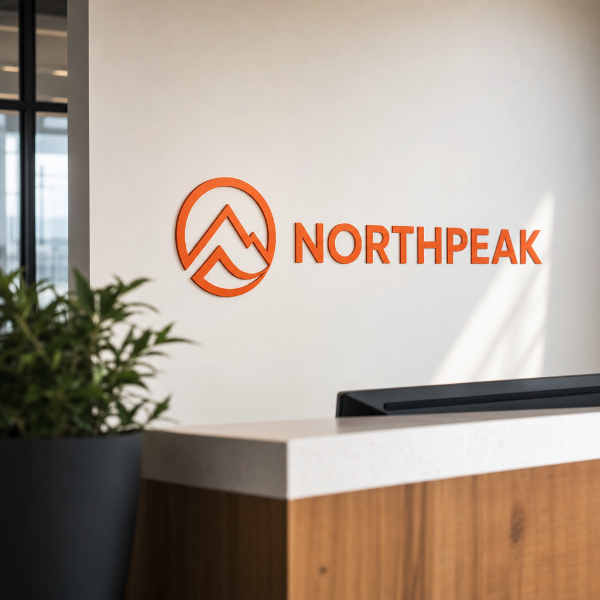
Individually cut words, letters, numbers and logo shapes for interior walls. Use them for a quote across a boardroom wall, a company name behind reception, a department name above a doorway, or values and wayfinding text down a corridor. Because every shape is cut to its own outline there is no panel and no visible background — what ends up on the wall is the artwork and nothing else.
Worth being plain about the name. This is not traditional plotter-cut solid-colour film. Your artwork is printed in full colour onto white self-adhesive vinyl and then contour cut to the outline of each letter or shape. Gradients, photographs, multi-colour logos and fine detail are all available as a result — but the film under the ink is opaque white, so anything left unprinted inside a shape reads as white, not as the wall behind it.
Two films to choose from, both opaque white print vinyls. 3M-IJ35 is the everyday choice for interior lettering on smooth painted walls. 3M-IJ175 is the heavier-duty cast film, worth the difference where the lettering has to stay put for years, gets cleaned or handled, or sits in strong daylight from nearby glass.
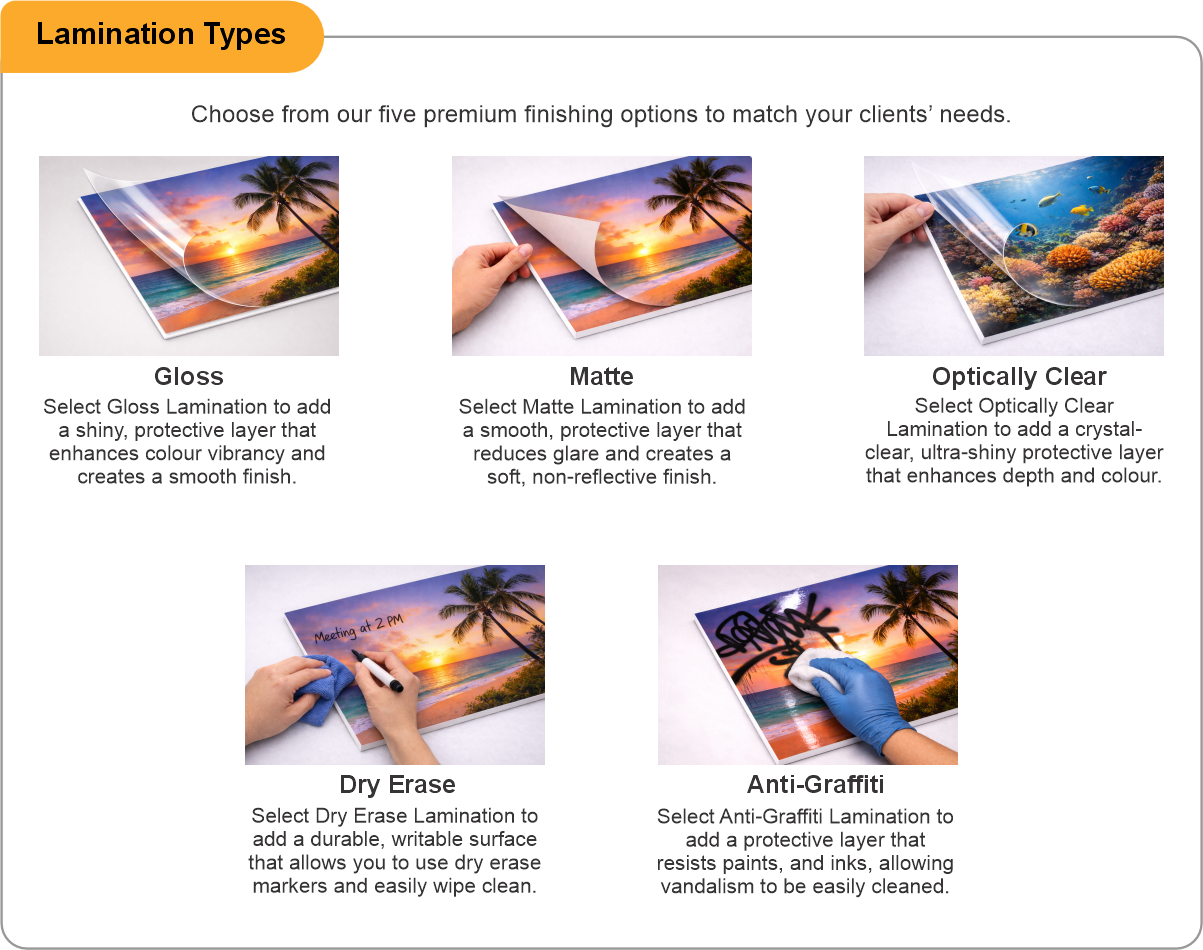
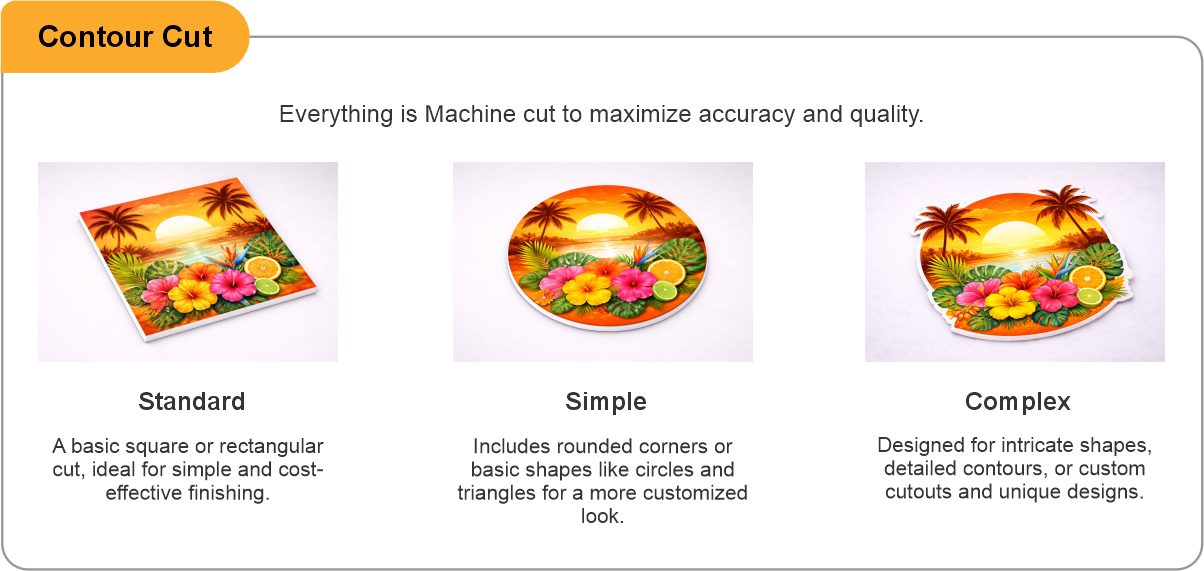
Lamination is offered in gloss, matte, optically clear, dry erase or anti-graffiti. On wall lettering matte is usually the right call: it kills the reflections that overhead lighting throws across a glossy face and makes the cut edges far less obvious. Contour cut is the setting that produces the individual letter shapes — Standard suits straightforward type, Simple and Complex cover progressively more intricate outlines.
Best on smooth, sealed, fully cured paint. Textured or orange-peel walls, bare drywall, brick and unsealed plaster will not hold an adhesive film reliably, and lettering feels that sooner than a solid graphic does because so much of it is edge. Removal is usually clean from sound paintwork, but no adhesive vinyl can be guaranteed paint-safe — on fresh paint, on paint over a poorly prepared surface, or after several years up, expect the possibility of touch-up. On a wall you cannot repaint, a small test piece first is cheap insurance.
Order by entering the overall width and height of the area the lettering occupies; that is what the price is calculated from, rather than the cut-out shapes alone. Supplied cut to shape and ready to apply. Installation is not included.
- Use the product template or file setup guide when one is provided.
- Remove all hidden layers, guides, dielines or artwork that is not intended to print.
- Submit each project as a single, print-ready PDF. For multi-page files, all pages should be the same size and placed in the correct order.
- Make sure the file dimensions and orientation match the product being ordered.
- Avoid placing borders too close to the finished edge, as minor movement during trimming may make them appear uneven.
- For bleed, follow the margins provided in the product template. Keep important text, logos and design elements safely inside the trim line.
- Artwork should be high resolution, set to CMYK and supplied at 300 DPI whenever possible.
- Use C0, M0, Y0, K100 for small black text. For larger areas of deep black, use C30, M20, Y20, K100.
- Convert all fonts to outlines or ensure they are properly embedded in the PDF.
- Review your artwork carefully before uploading. Files are printed using the information provided, and colour may appear differently on screen than it does in print.
To start, select the product size, preview the design guidelines, download the guidelines for reference, and proceed with the customization options.
Cut Vinyl Wall Lettering (Wall Logos)
Customize & Estimate
Explore Complements
Related products
Enhance your experience with perfectly paired, high-quality related products.

 Issue?