

Rear chevron panels and conspicuity striping for vehicles that stop where traffic does not expect them — highway maintenance and utility trucks, tow and recovery units, snowplows, service vans, and any crew working live shoulders after dark.
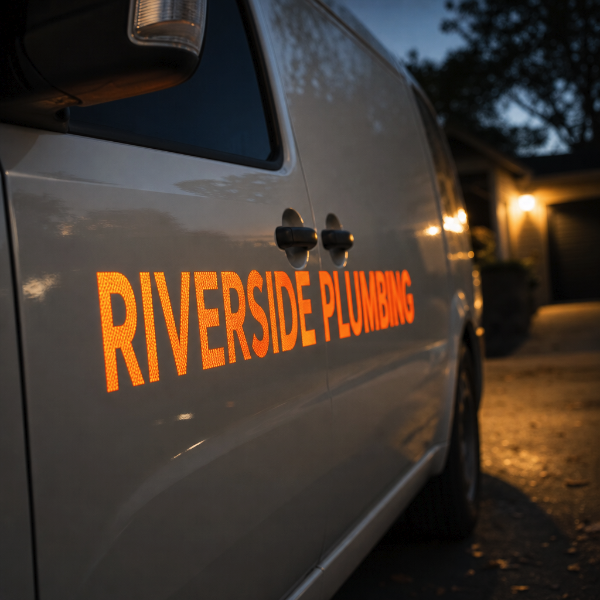
This product prints on reflective vinyl only. That is the whole point of it: the film contains a retroreflective layer that sends approaching headlight beams back toward the driver who fired them, so the panel lights up from several hundred feet away instead of disappearing into the dark like a painted stripe. If you want a plain coloured rear panel with no night performance, order a standard vehicle graphic instead — this material carries a reflective premium you would be paying for nothing.
Be clear about what this is and is not. These are printed reflective panels made to the dimensions and pattern you specify. They are not a certified conspicuity kit supplied against a specific approval such as DOT-C2 or a national chevron standard, and we do not certify them as such. If your contract, insurer or jurisdiction requires certified sheeting to a named standard, tell us before ordering and we will confirm whether we can meet it.
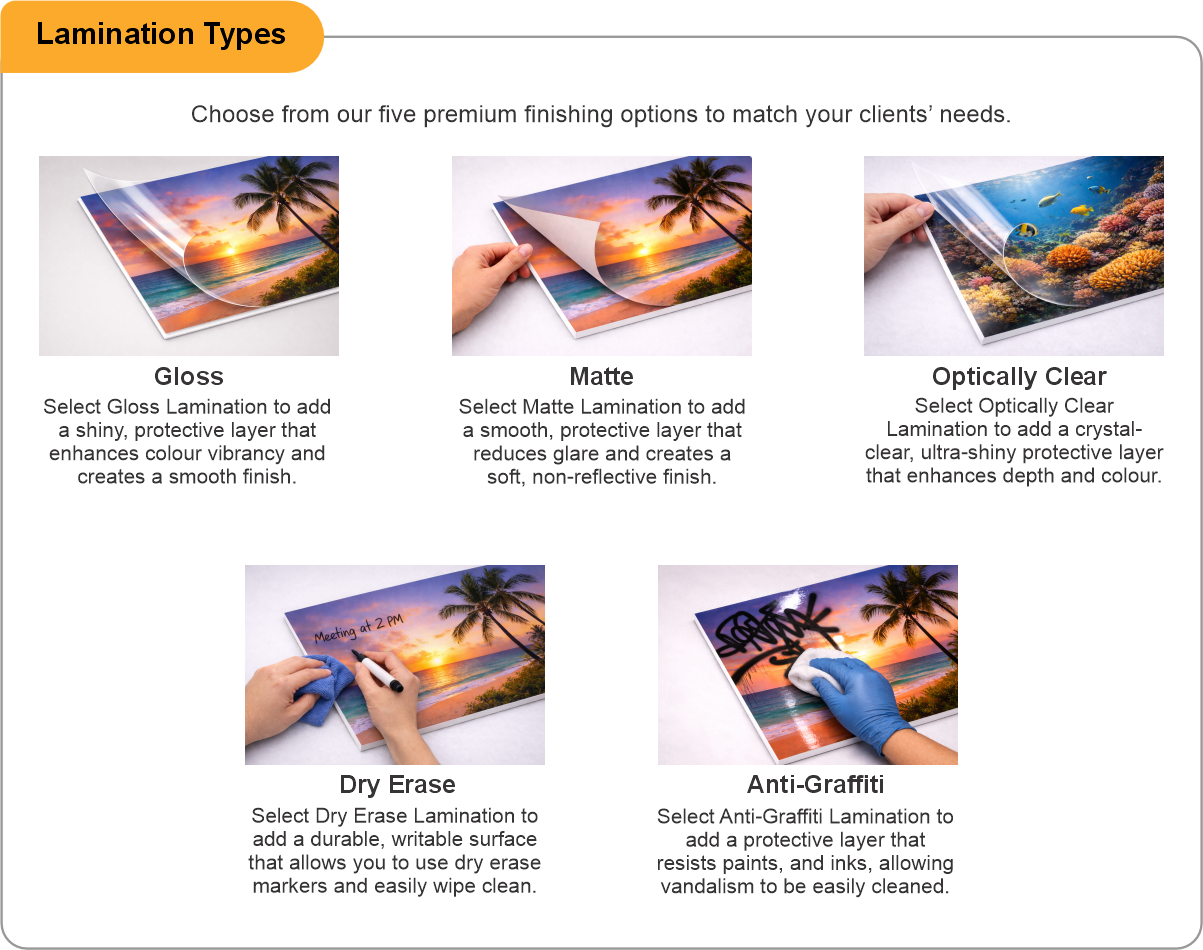
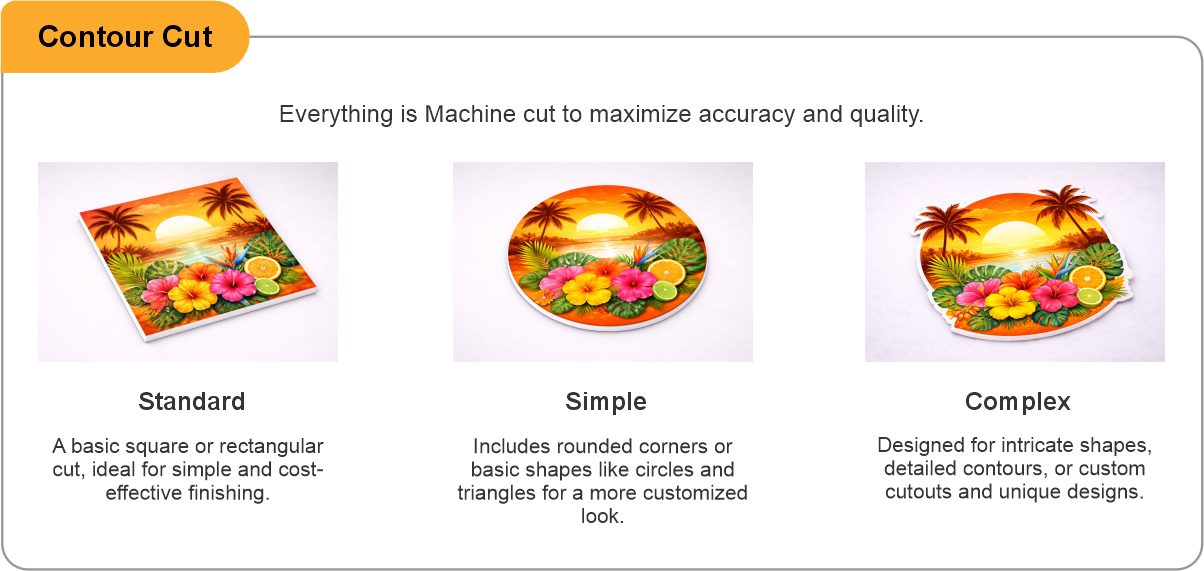
You receive panels cut to size and ready to apply — typically alternating diagonal stripes across a rear door or tailgate, but equally a full-width bumper band, a rear-facing box panel or side conspicuity strips. Contour cut is available for shaped panels that have to work around lights, hinges and door furniture. Lamination adds abrasion resistance on a vehicle that is washed hard or works in salt.
Give us the actual door or panel dimensions and tell us where the lights, handles and hinges fall, so the stripe pattern is laid out around them rather than through them. A straight-on photo of the rear of the vehicle with a tape measure across it is the fastest way to get this right.
Apply to clean, dry, above-freezing bodywork. Reflective film is stiffer than standard vinyl and does not like being stretched into deep recesses — flat and gently curved surfaces are where it performs and stays put.
- Use the product template or file setup guide when one is provided.
- Remove all hidden layers, guides, dielines or artwork that is not intended to print.
- Submit each project as a single, print-ready PDF. For multi-page files, all pages should be the same size and placed in the correct order.
- Make sure the file dimensions and orientation match the product being ordered.
- Avoid placing borders too close to the finished edge, as minor movement during trimming may make them appear uneven.
- For bleed, follow the margins provided in the product template. Keep important text, logos and design elements safely inside the trim line.
- Artwork should be high resolution, set to CMYK and supplied at 300 DPI whenever possible.
- Use C0, M0, Y0, K100 for small black text. For larger areas of deep black, use C30, M20, Y20, K100.
- Convert all fonts to outlines or ensure they are properly embedded in the PDF.
- Review your artwork carefully before uploading. Files are printed using the information provided, and colour may appear differently on screen than it does in print.
To start, select the product size, preview the design guidelines, download the guidelines for reference, and proceed with the customization options.
Chevron / Conspicuity Panels (Safety Vehicle Graphics)
Customize & Estimate
Explore Complements
Related products
Enhance your experience with perfectly paired, high-quality related products.

 Issue?