

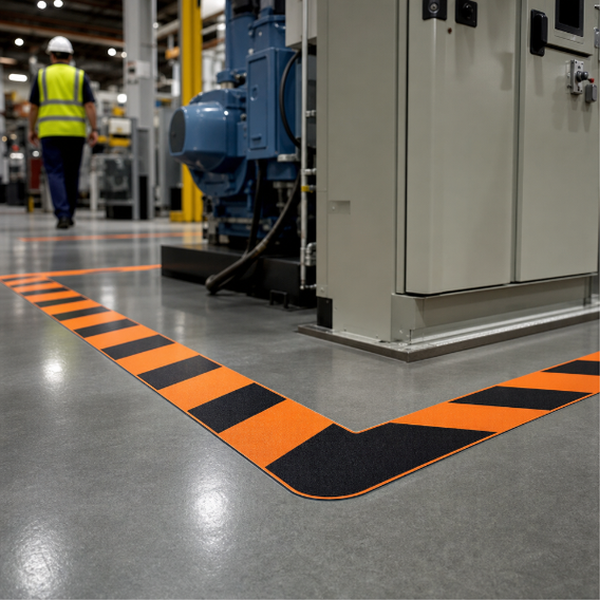
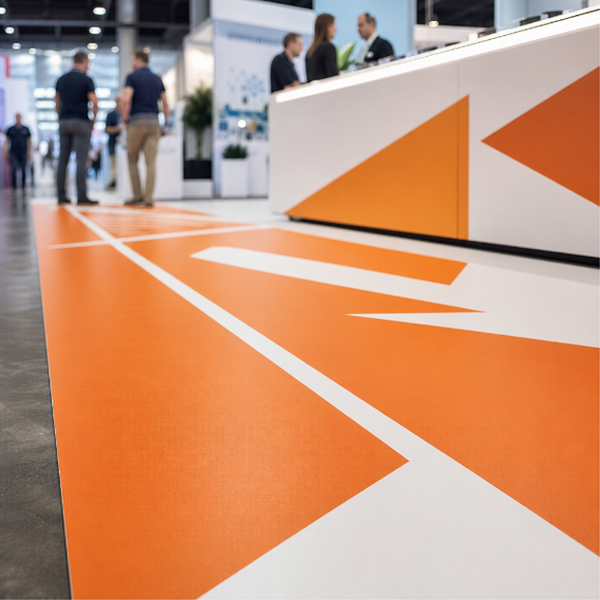
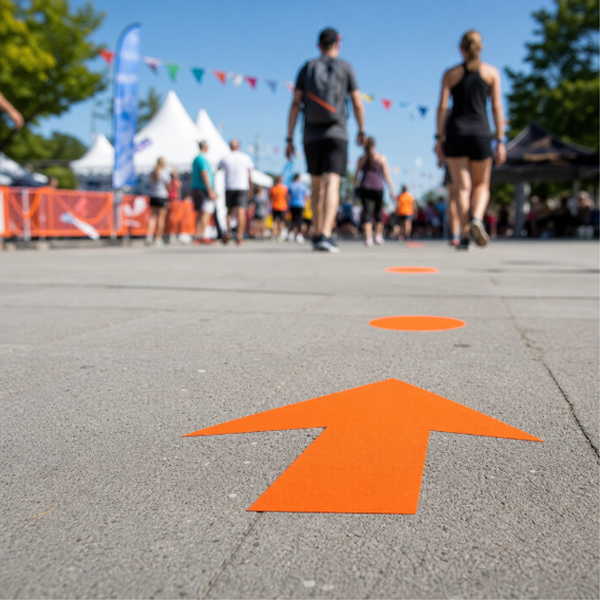
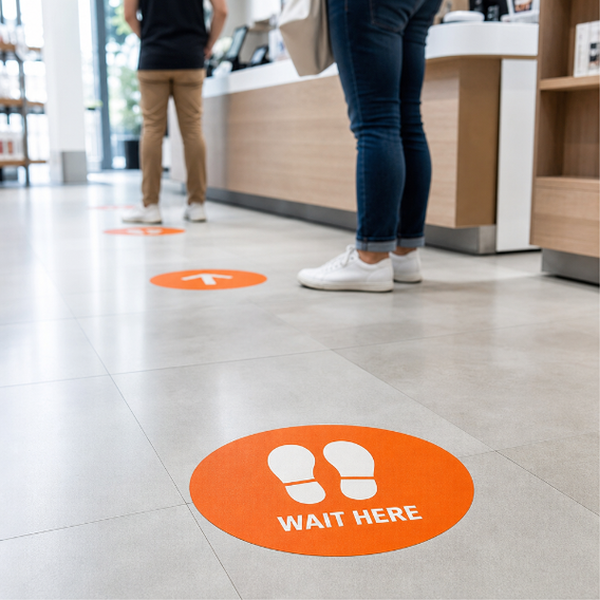
Floor arrows do a job a sign on the wall often cannot: they land in the one place people are already looking when they are unsure where to go. Use them to run a route down a corridor, steer visitors toward reception, mark a one-way lane through a shop, or lead staff to a loading door. They are ordered as a set of individual arrows rather than one large graphic, so a long aisle gets a repeating trail somebody can actually follow instead of a single marker they walk straight past.
You receive full-colour printed self-adhesive vinyl, cut to the dimensions you specify, in your choice of two 3M print films: 3M-40C or 3M-IJ175. Both are opaque white pressure-sensitive vinyls intended for smooth, hard, sealed surfaces. Being straight with you about what arrives: this is our wall-and-vehicle print vinyl applied to a floor, not a purpose-built floor film with a textured tread surface.
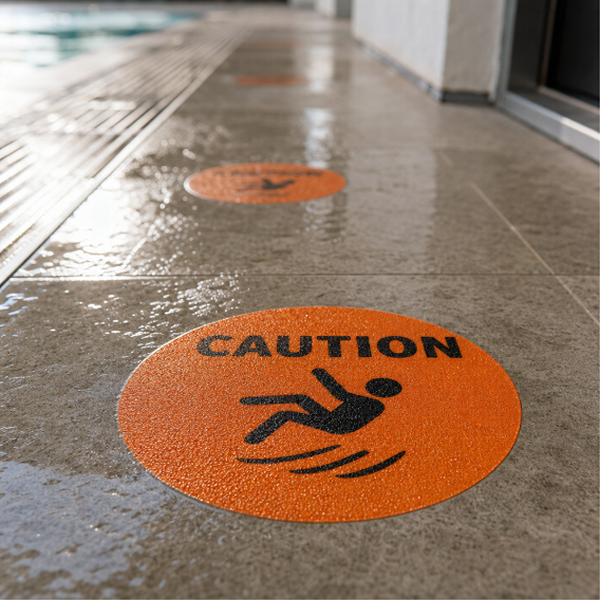
That is exactly why we suggest adding a protective laminate. Bare ink on a floor scuffs within days of foot traffic. A gloss, matte or anti-graffiti laminate lays a clear sacrificial layer over the print so it survives shoes, trolley wheels and a mop. Matte is the usual choice indoors because it kills the glare from overhead lighting. What a laminate will not do is give you a certified slip-resistance rating: it protects the print, it does not change the grip of the floor.
Arrows hold best on smooth, sealed, clean indoor floors such as polished or sealed concrete, VCT, tile, terrazzo and sealed hardwood. They will not stick to carpet, and rough broom-finished concrete, asphalt or anything damp or dusty will let go early. Plan on these as short to medium term graphics, and lift them slowly, warming the vinyl first if it has been down a while.
Contour cut is available if you want each arrow cut to its own outline rather than printed inside a rectangle. On a floor it reads far more clearly that way.
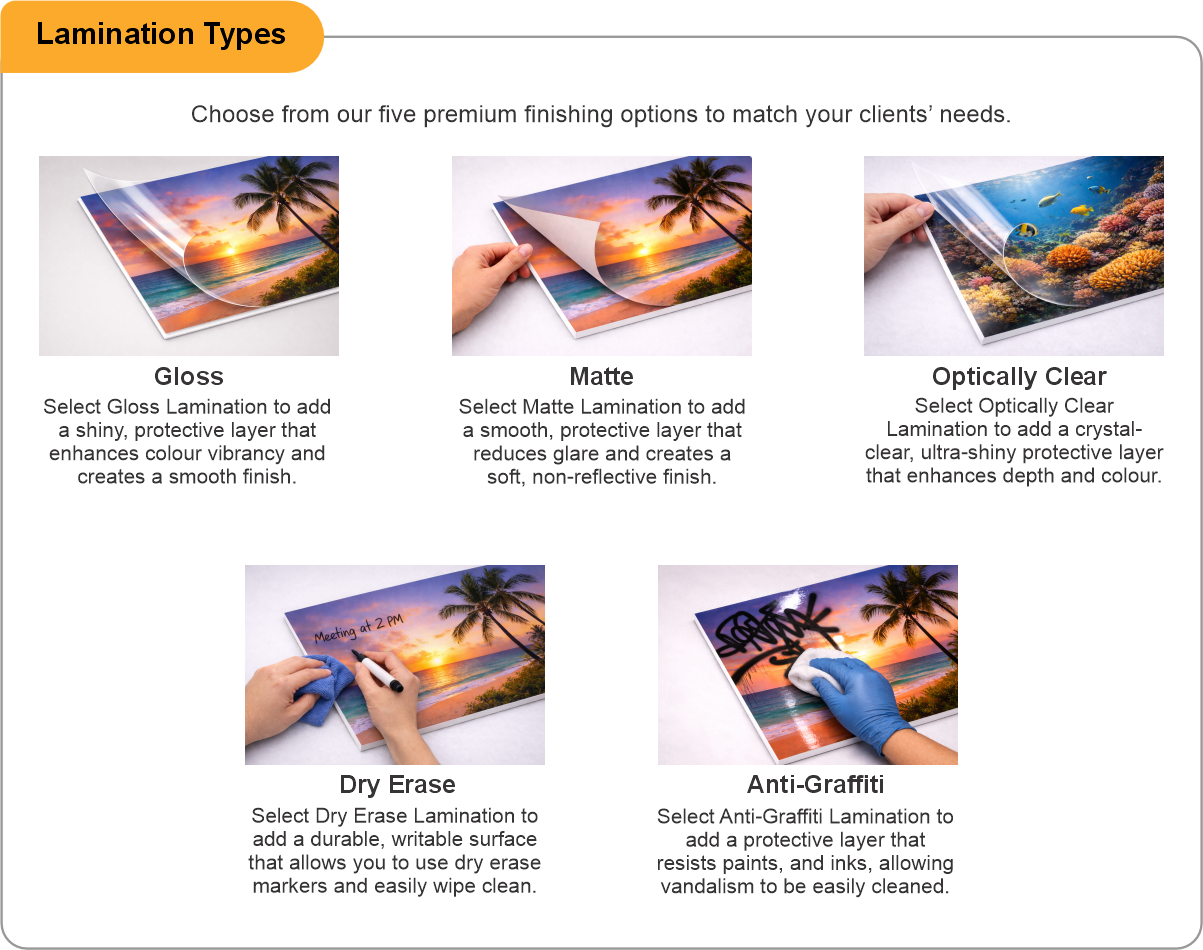
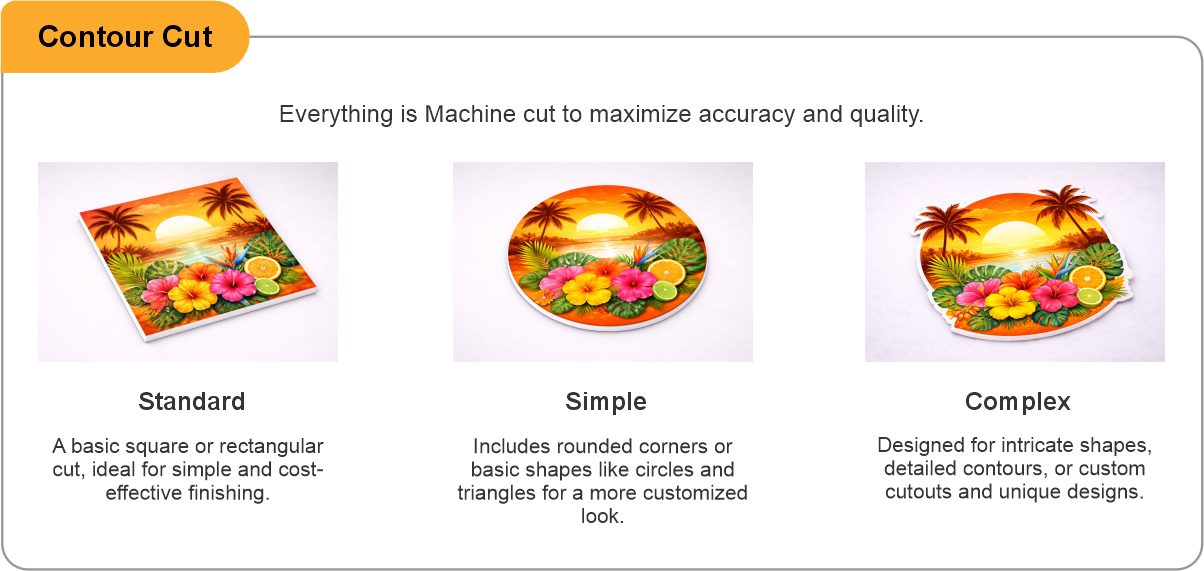
- Use the product template or file setup guide when one is provided.
- Remove all hidden layers, guides, dielines or artwork that is not intended to print.
- Submit each project as a single, print-ready PDF. For multi-page files, all pages should be the same size and placed in the correct order.
- Make sure the file dimensions and orientation match the product being ordered.
- Avoid placing borders too close to the finished edge, as minor movement during trimming may make them appear uneven.
- For bleed, follow the margins provided in the product template. Keep important text, logos and design elements safely inside the trim line.
- Artwork should be high resolution, set to CMYK and supplied at 300 DPI whenever possible.
- Use C0, M0, Y0, K100 for small black text. For larger areas of deep black, use C30, M20, Y20, K100.
- Convert all fonts to outlines or ensure they are properly embedded in the PDF.
- Review your artwork carefully before uploading. Files are printed using the information provided, and colour may appear differently on screen than it does in print.
To start, select the product size, preview the design guidelines, download the guidelines for reference, and proceed with the customization options.
Directional Floor Arrows (Wayfinding Graphics)
Customize & Estimate
Explore Complements
Related products
Enhance your experience with perfectly paired, high-quality related products.


 Issue?