
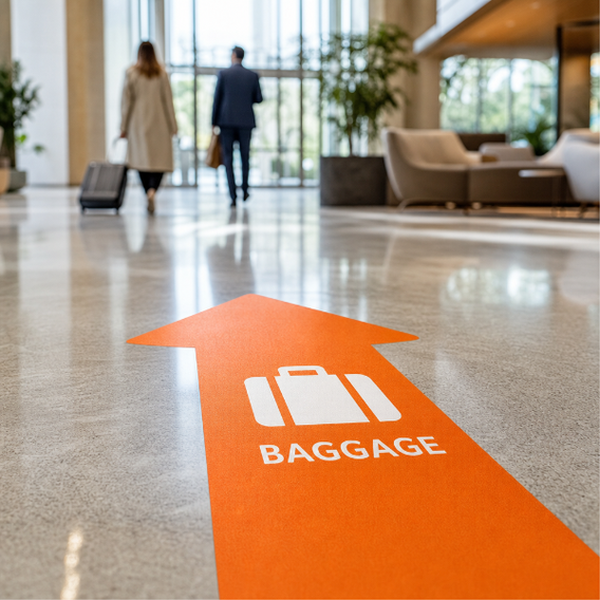
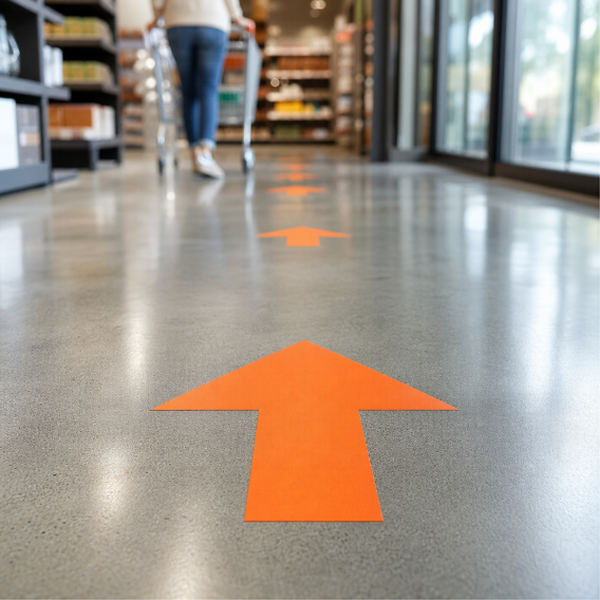
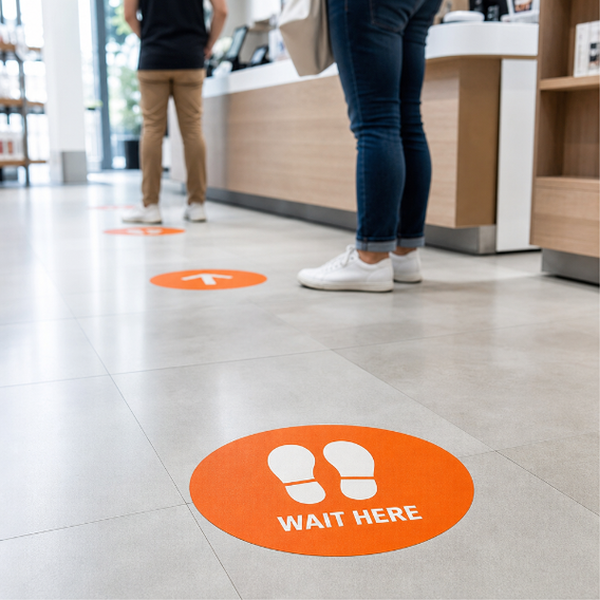
The open-ended option in the floor wayfinding range: you supply the artwork, we print it and cut it. Department names, room and zone numbers, building maps, exit directions, footprints, coloured route markers, arrow-and-text combinations, anything you can design flat. Useful in hospitals, campuses, museums, warehouses and any building where the corridors all look alike and the floor is the one surface everybody is already watching.
Printed on self-adhesive vinyl in your choice of 3M-40C or 3M-IJ175, cut to the dimensions you specify. Both are opaque white pressure-sensitive print films for smooth, hard surfaces. Worth saying plainly, because the phrase floor graphic can mean several different things: what you get is a printed vinyl decal, not a floor film with a built-in textured tread layer.
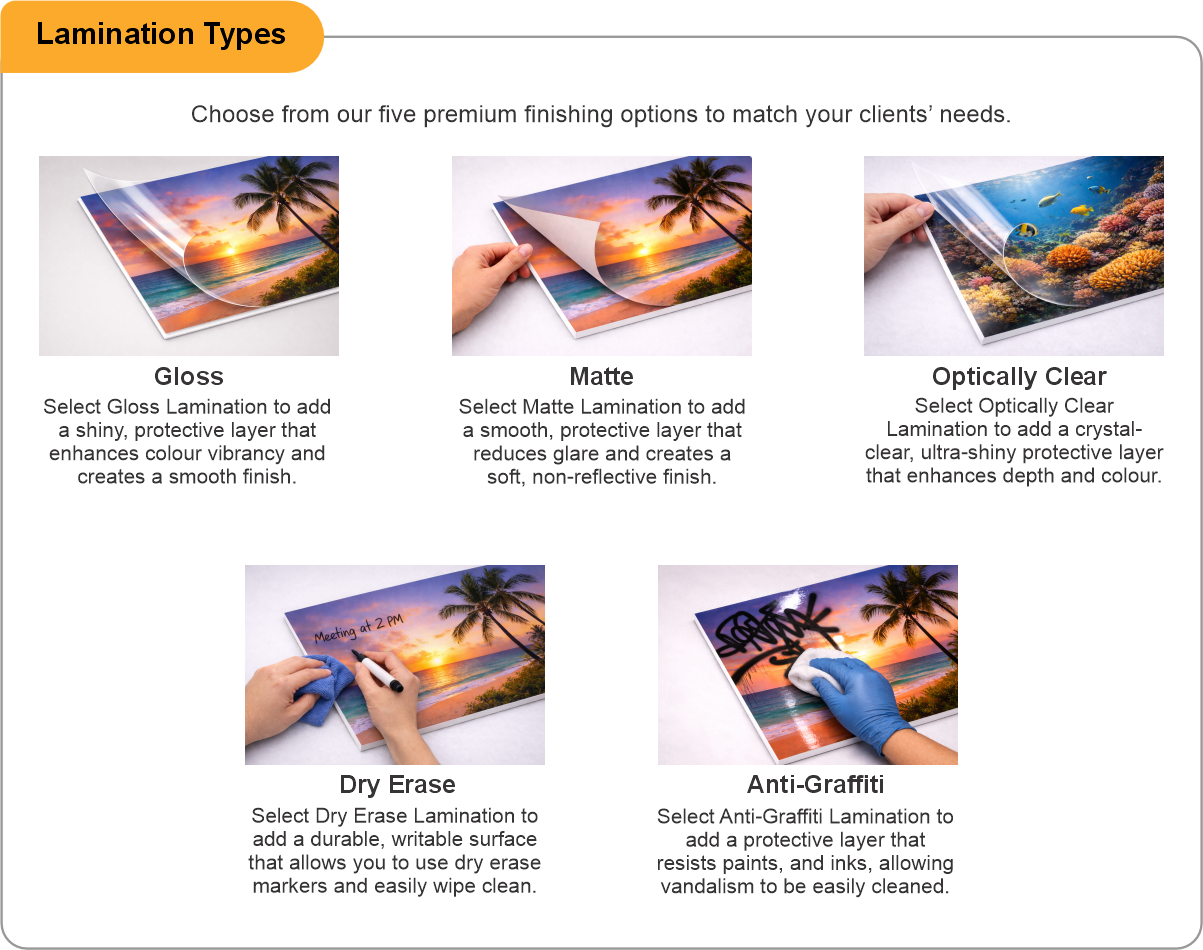
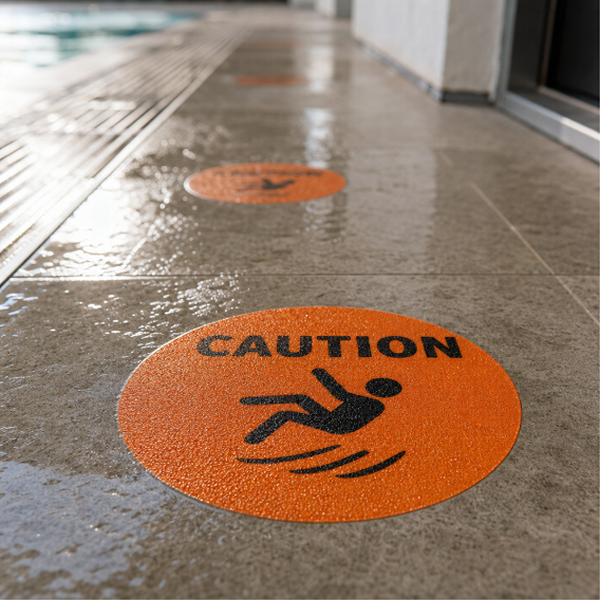
Add a protective laminate. On a floor it is close to essential. It sits over the print as a clear wearing layer so the graphic survives traffic and cleaning rather than fading and scuffing. Matte suppresses glare, which matters when the graphic carries small text people need to read while standing over it. No laminate we offer is a certified anti-slip surface; laminating protects the artwork and nothing more.
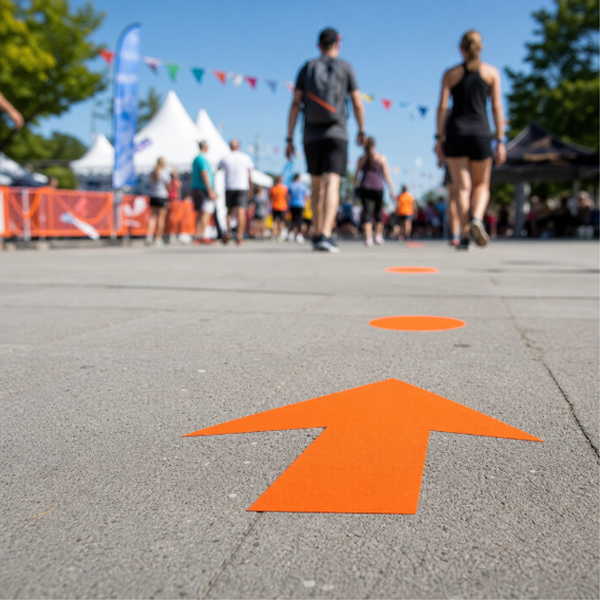
Apply to smooth, sealed, clean indoor floors: polished concrete, tile, VCT, terrazzo, sealed timber. Not carpet. Not rough or porous concrete, not asphalt, not damp floors. If the graphic carries fine detail or small type, make it larger than you think you need, because people read floor graphics from standing height, at an angle, often while walking.
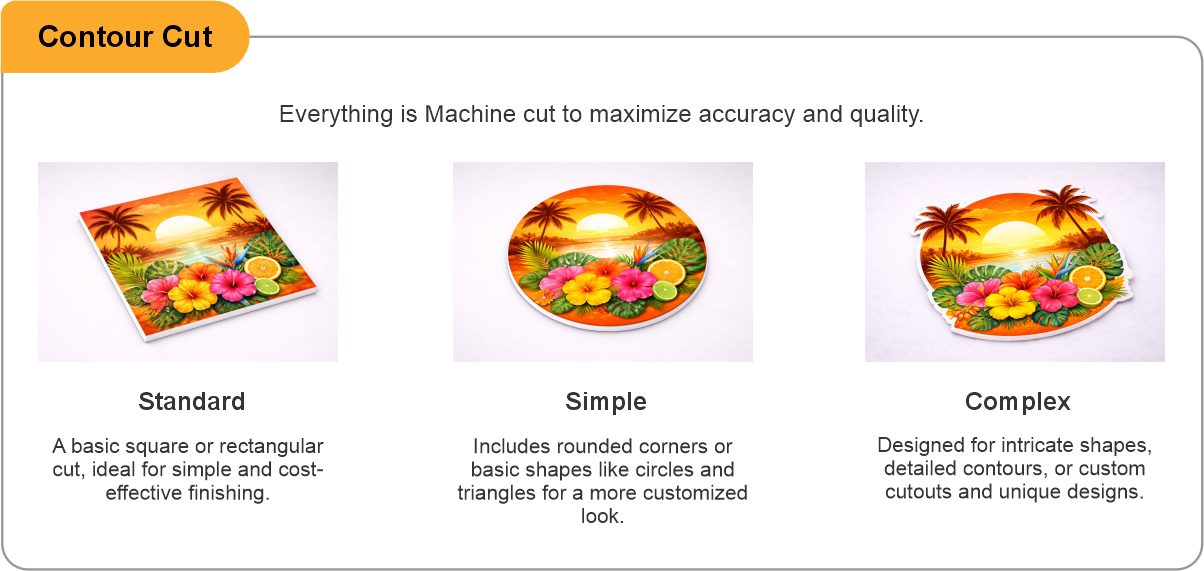
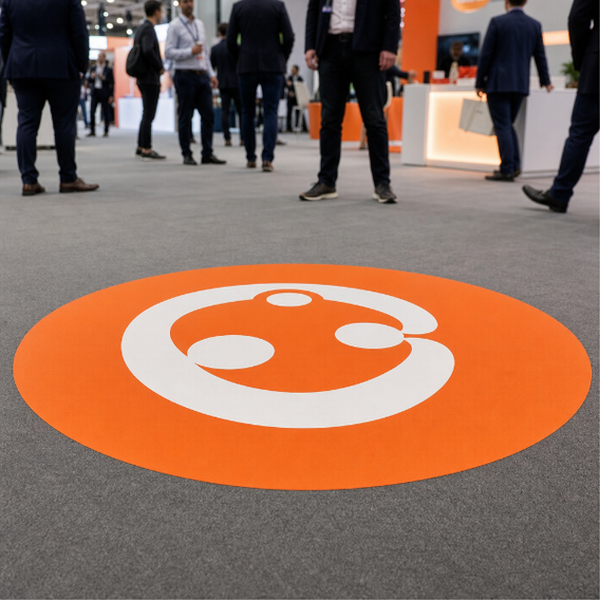
Contour cut is available for shaped graphics. Footprints, logos, arrows and circles all read better cut to their own outline.
- Use the product template or file setup guide when one is provided.
- Remove all hidden layers, guides, dielines or artwork that is not intended to print.
- Submit each project as a single, print-ready PDF. For multi-page files, all pages should be the same size and placed in the correct order.
- Make sure the file dimensions and orientation match the product being ordered.
- Avoid placing borders too close to the finished edge, as minor movement during trimming may make them appear uneven.
- For bleed, follow the margins provided in the product template. Keep important text, logos and design elements safely inside the trim line.
- Artwork should be high resolution, set to CMYK and supplied at 300 DPI whenever possible.
- Use C0, M0, Y0, K100 for small black text. For larger areas of deep black, use C30, M20, Y20, K100.
- Convert all fonts to outlines or ensure they are properly embedded in the PDF.
- Review your artwork carefully before uploading. Files are printed using the information provided, and colour may appear differently on screen than it does in print.
To start, select the product size, preview the design guidelines, download the guidelines for reference, and proceed with the customization options.
Custom Wayfinding Graphics (Wayfinding Graphics)
Customize & Estimate
Explore Complements
Related products
Enhance your experience with perfectly paired, high-quality related products.

 Issue?