
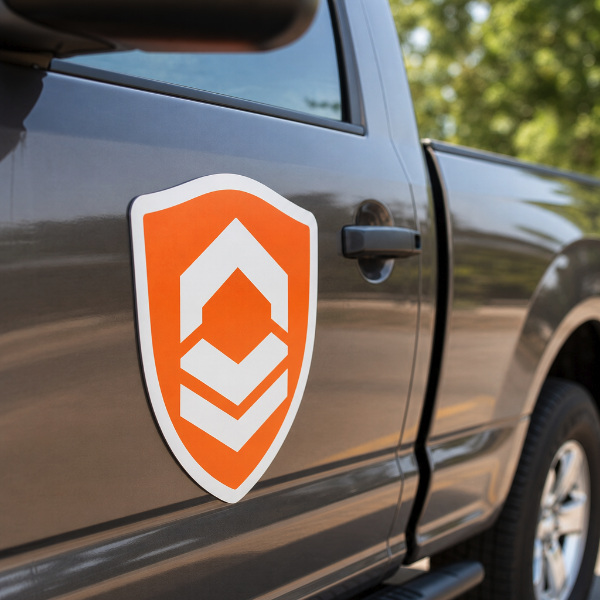
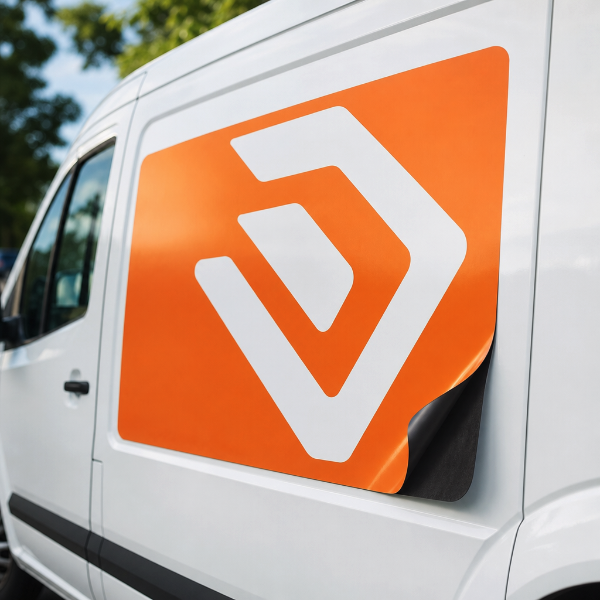
Vehicle magnets cut to your own outline instead of a rectangle — a logo silhouette, a rounded badge, a shield, an oval or an arrow. The shape is cut from the same magnetic sheet the graphic is printed on, so what arrives is the artwork and nothing around it, and it still lifts straight off the vehicle when you want it gone.
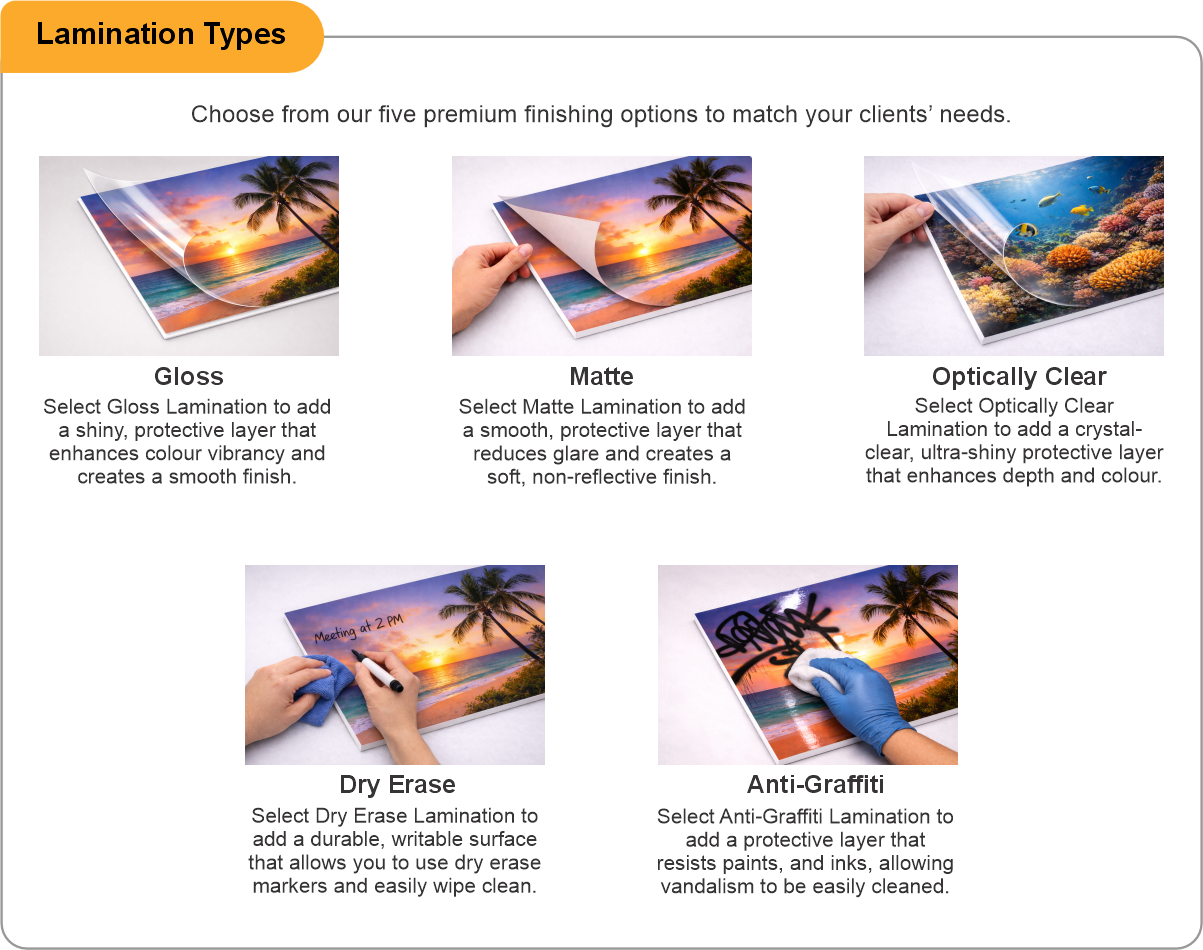
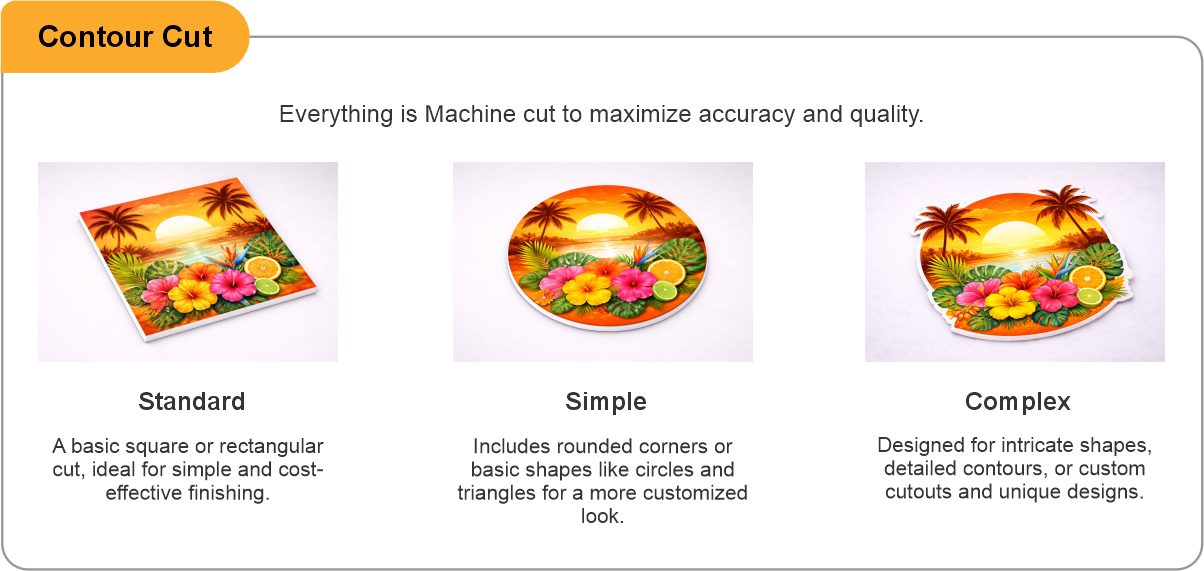
Printed on 0.030" (30 mil) magnetic sheet in panel sizes from 9 x 9 up to 24 x 72 inches — order the size that contains your shape and the cut is taken from it. Choose Simple contour cutting for one clean outline with gentle curves, or Complex where the shape has fine detail, interior cut-outs or several separate pieces. Every magnet is laminated over the print: gloss, matte or anti-graffiti.
You receive the finished, cut pieces ready to place. Shaped magnets are a little more demanding than rectangles: the more outline there is, the more edge there is for airflow to find, so keep thin points and narrow tails away from the leading edge of the panel and give the whole shape a flat area of steel to sit on. As with any vehicle magnet, aluminium and composite bodywork will not hold it, and it should come off weekly so both the magnet and the paint underneath can be wiped and dried.
- Use the product template or file setup guide when one is provided.
- Remove all hidden layers, guides, dielines or artwork that is not intended to print.
- Submit each project as a single, print-ready PDF. For multi-page files, all pages should be the same size and placed in the correct order.
- Make sure the file dimensions and orientation match the product being ordered.
- Avoid placing borders too close to the finished edge, as minor movement during trimming may make them appear uneven.
- For bleed, follow the margins provided in the product template. Keep important text, logos and design elements safely inside the trim line.
- Artwork should be high resolution, set to CMYK and supplied at 300 DPI whenever possible.
- Use C0, M0, Y0, K100 for small black text. For larger areas of deep black, use C30, M20, Y20, K100.
- Convert all fonts to outlines or ensure they are properly embedded in the PDF.
- Review your artwork carefully before uploading. Files are printed using the information provided, and colour may appear differently on screen than it does in print.
To start, select the product size, preview the design guidelines, download the guidelines for reference, and proceed with the customization options.
Custom Shape Vehicle Magnets (Magnets)
Customize & Estimate
Explore Complements
Related products
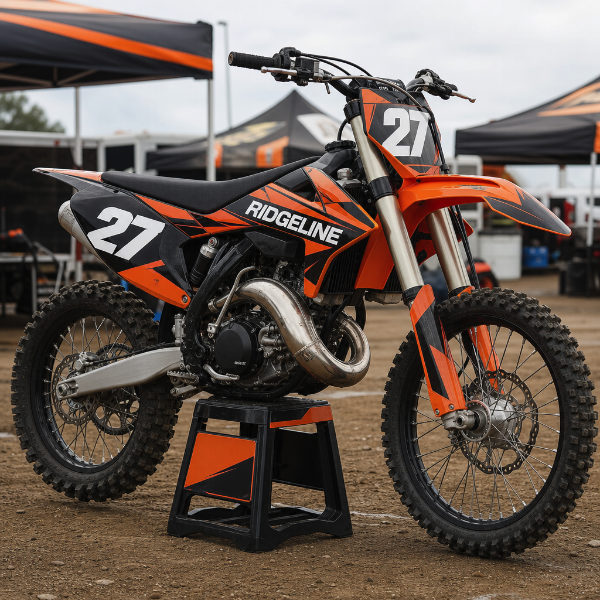
Enhance your experience with perfectly paired, high-quality related products.



 Issue?