
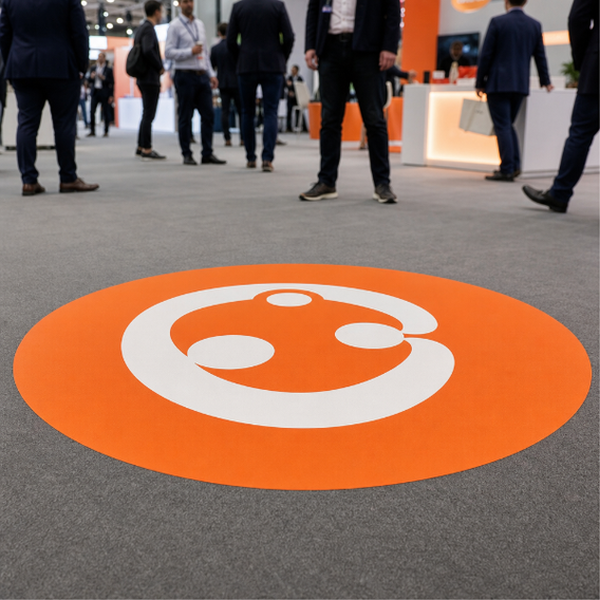
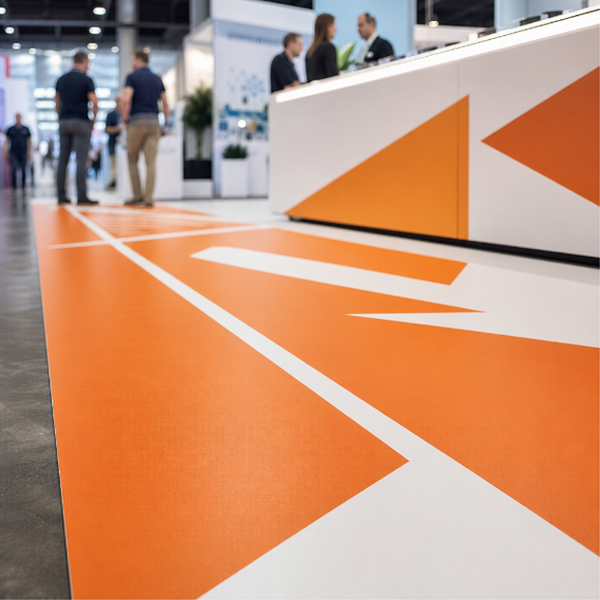
Your logo, or a sponsor's, printed large and applied to the floor: at the entrance to a conference, in the centre of a gala or awards floor, under a product launch display, at the tunnel mouth of a sports venue. A floor logo does something a hanging banner cannot. It appears in every overhead photograph and every phone video taken in the room, and it never gets blocked by the crowd standing in front of it.
Printed on self-adhesive vinyl and cut to the dimensions you specify, in your choice of 3M-40C or 3M-IJ175. Both are opaque white print films for smooth, hard surfaces. This is a printed decal that goes down for the event and comes up afterwards, not a permanent inlaid or coated floor treatment.
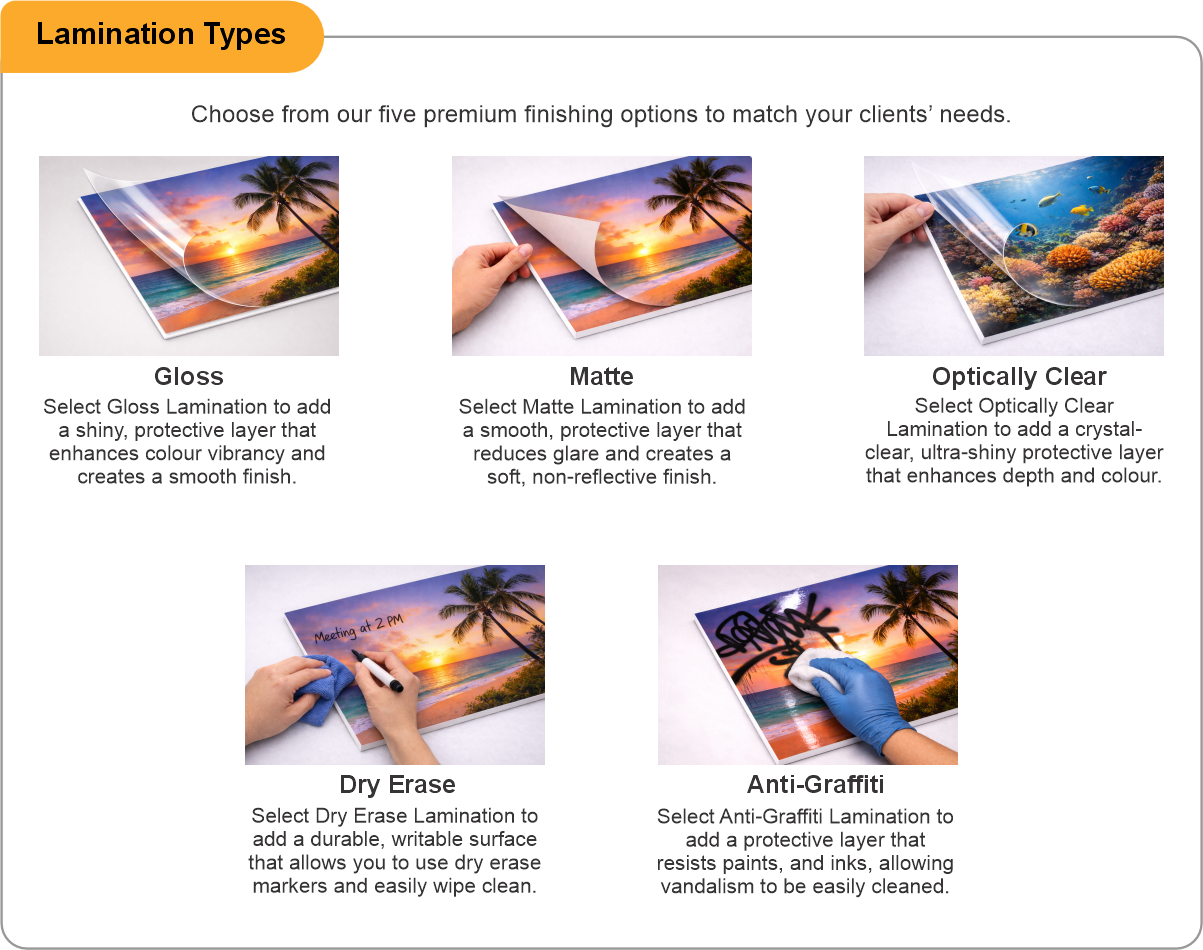
Add a protective laminate if the logo sits anywhere people will actually walk. Bare print under a few hundred pairs of shoes goes dull quickly and photographs badly, which defeats the point of a graphic whose whole job is to look good in pictures. Matte laminate is usually the right call because it stops overhead rigging and spotlights blowing the graphic out in photos. No laminate provides a certified slip-resistance rating.
Works on smooth, sealed, clean venue floors: polished concrete, tile, sealed timber sprung floors, terrazzo. It will not stick to carpet, which rules out a good number of ballrooms and hotel function rooms, so check the actual floor finish before you order. Get in early enough to squeegee properly onto a clean dry surface, because dust trapped under a large logo shows up as bubbles and starts the edges lifting.
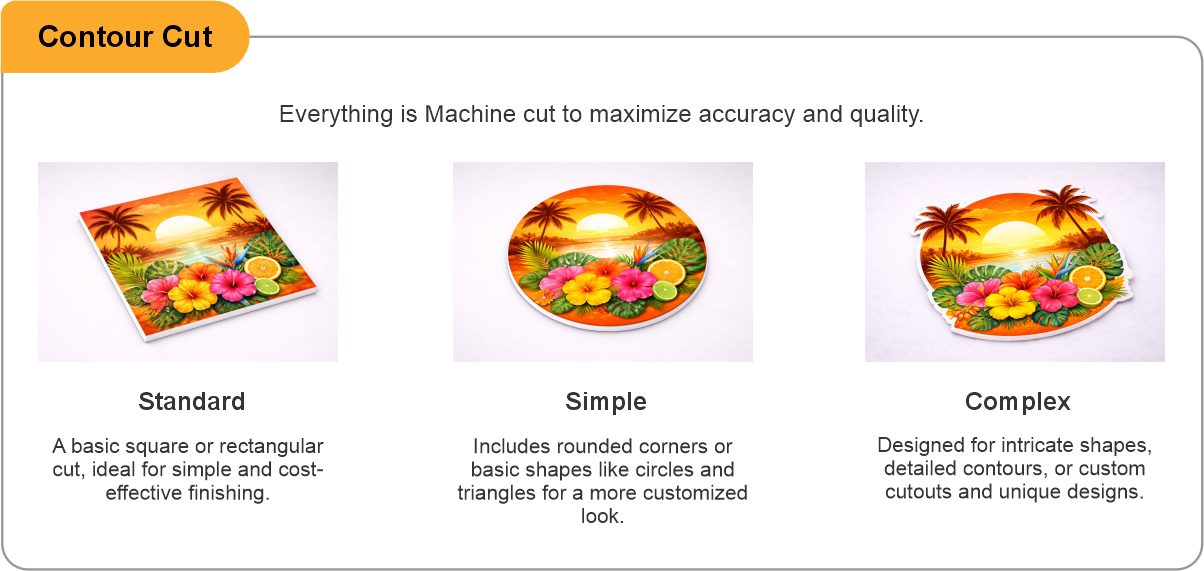
Contour cut is available so a shaped logo can be cut to its own outline instead of sitting inside a visible rectangle.
- Use the product template or file setup guide when one is provided.
- Remove all hidden layers, guides, dielines or artwork that is not intended to print.
- Submit each project as a single, print-ready PDF. For multi-page files, all pages should be the same size and placed in the correct order.
- Make sure the file dimensions and orientation match the product being ordered.
- Avoid placing borders too close to the finished edge, as minor movement during trimming may make them appear uneven.
- For bleed, follow the margins provided in the product template. Keep important text, logos and design elements safely inside the trim line.
- Artwork should be high resolution, set to CMYK and supplied at 300 DPI whenever possible.
- Use C0, M0, Y0, K100 for small black text. For larger areas of deep black, use C30, M20, Y20, K100.
- Convert all fonts to outlines or ensure they are properly embedded in the PDF.
- Review your artwork carefully before uploading. Files are printed using the information provided, and colour may appear differently on screen than it does in print.
To start, select the product size, preview the design guidelines, download the guidelines for reference, and proceed with the customization options.
Event Floor Logos (Event Graphics)
Customize & Estimate
Explore Complements
Related products
Enhance your experience with perfectly paired, high-quality related products.

 Issue?